VCloud is built around a small set of design decisions. Once you have them in mind, most of what looks like a naming or workflow quirk elsewhere in these docs turns out to be a direct consequence of one of them.
The application is the unit, not the server#
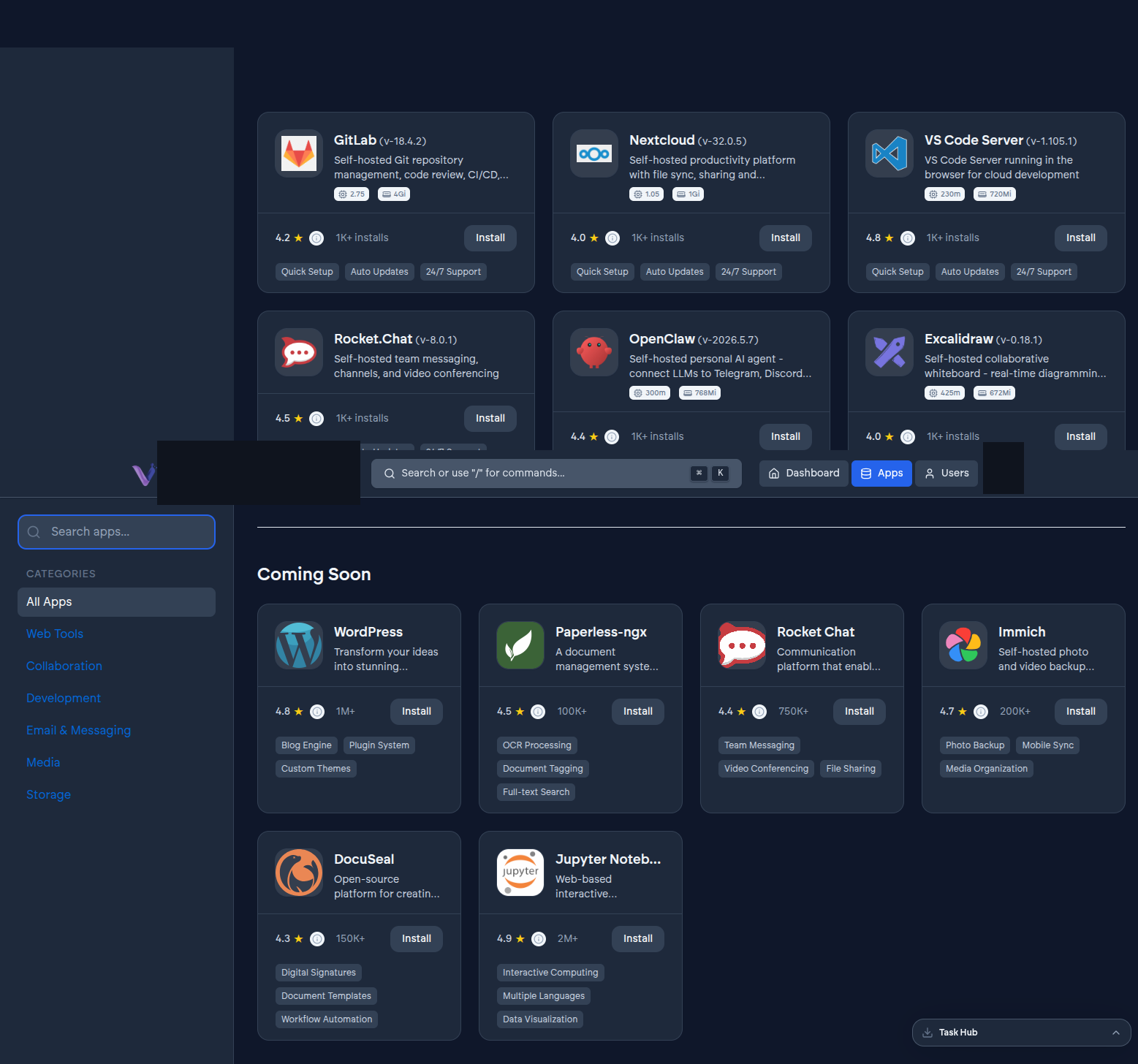
Everything in VCloud is organized around the applications you run, not the infrastructure underneath them. You choose an app from the catalog, install it, and from that point on you interact with it through actions - install, start, stop, upgrade, uninstall - rather than through anything resembling server administration. There is no tenant on VCloud, anywhere, who is handed a shell on the machine an application runs on. That is a deliberate boundary, not a missing feature: it is what lets VCloud commit to an uptime figure and to a published set of security controls for infrastructure it fully controls end to end.
The corollary is that operations which would normally need a terminal are exposed as actions instead. Restarting a stuck service, checking whether an install finished, or reading current resource usage are all things you do from the dashboard.
Every app arrives extended, not just installed#
Running the upstream version of an open-source project yourself gets you the software. VCloud's job is to get you the software plus the parts a business actually needs around it: sign-in that works the same way across every app, and a way to reach an app privately without exposing it to the open internet. An app installed through VCloud is never just the upstream container - it is the upstream project with those pieces already wired in, including for applications that have no authentication system of their own.
This is why installing an app is not the end of the story in these docs. A guide for a given app tends to spend as much time on what VCloud adds as on the app itself.
One organization, one bill#
An organization is the boundary almost everything else in VCloud hangs off: who can sign in, which apps exist, how much compute is allocated, and what shows up on the invoice. VCloud's plans price the compute allocated to your organization, not the number of applications installed on it or the number of people who use them. Adding a teammate never adds a line item, and installing another app from the catalog costs nothing beyond staying within your plan's app allowance. That is the direct opposite of per-seat software pricing and of pay-per-service hosting, and it shapes decisions throughout the product: why user accounts exist independently of any one organization, why roles are a small fixed set rather than a granular permissions system, and why the catalog is something you browse rather than something you pay into piece by piece.
Decoupling identity from the app, and the app from the server#
A person's identity on VCloud is not tied to any one organization - the same account can belong to several organizations, each with its own role for that person. An application, in turn, is not tied to the identity system by anything you have to configure: sign-in is set up automatically when the app is installed, using whichever identity provider your organization has chosen. And an application is not tied to any specific piece of infrastructure you have to think about: it survives restarts, upgrades, and reinstalls without you doing anything to preserve it.
The payoff is the same kind of reuse in each case. One identity, many organizations. One sign-in setup, every app.