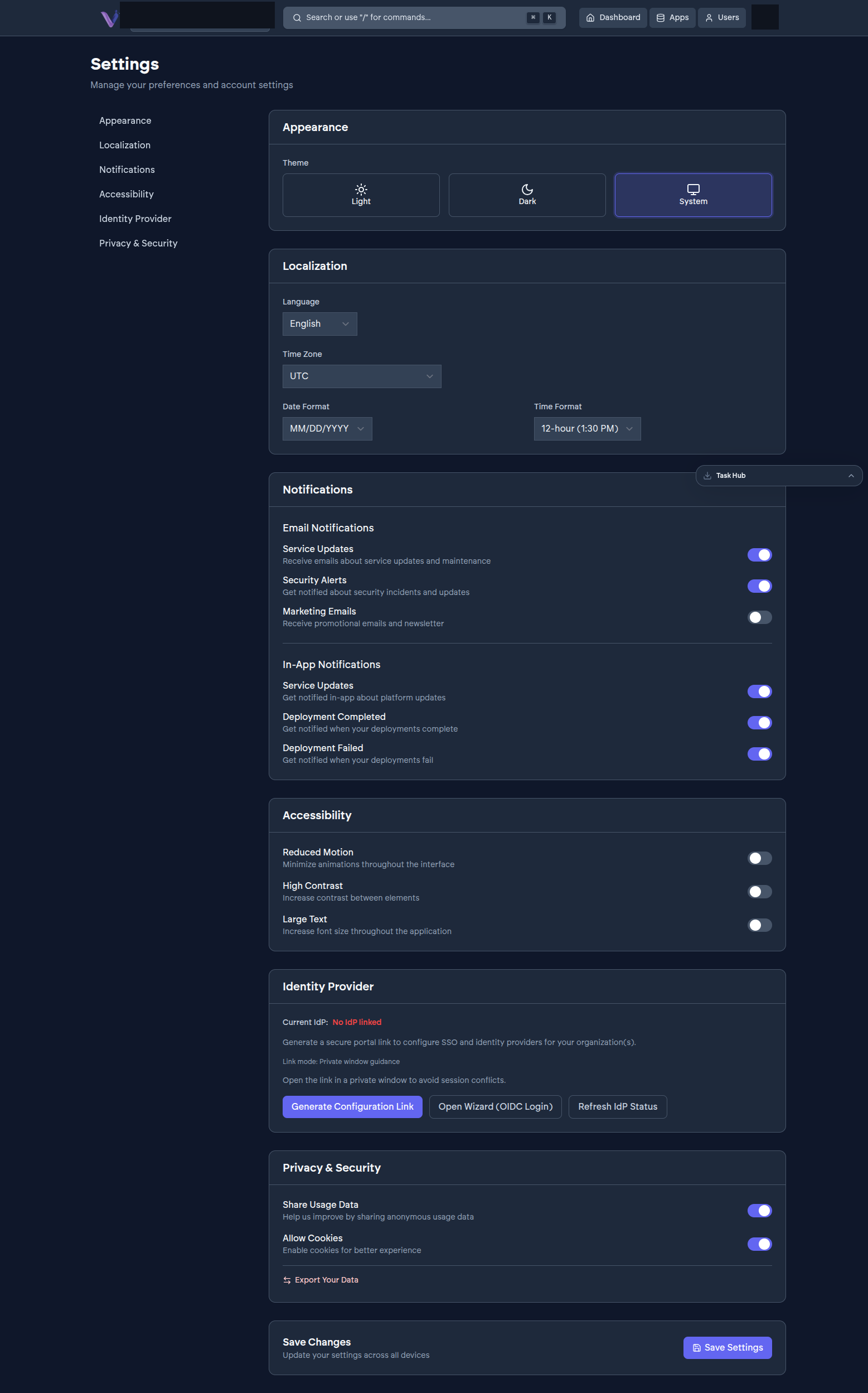
VCloud can notify you two ways: email, and in-app notifications inside the dashboard itself. Both are self-service - you choose what you want to hear about from Settings › Notifications.
Email notifications#
- Service Updates - service updates and maintenance.
- Security Alerts - security incidents and updates.
- Marketing Emails - promotional emails and the newsletter.
In-app notifications#
- Service Updates - platform updates, surfaced inside the dashboard.
- Deployment Completed - a deployment you triggered finished.
- Deployment Failed - a deployment you triggered failed.
Each of these is an individual toggle - turn off Marketing Emails without losing Security Alerts, for instance. Changes take effect once you select Save Settings at the bottom of the page.
What still arrives regardless#
Certain transactional emails - accepting or sending an invitation, activating your account - are tied to the action itself rather than a preference toggle.