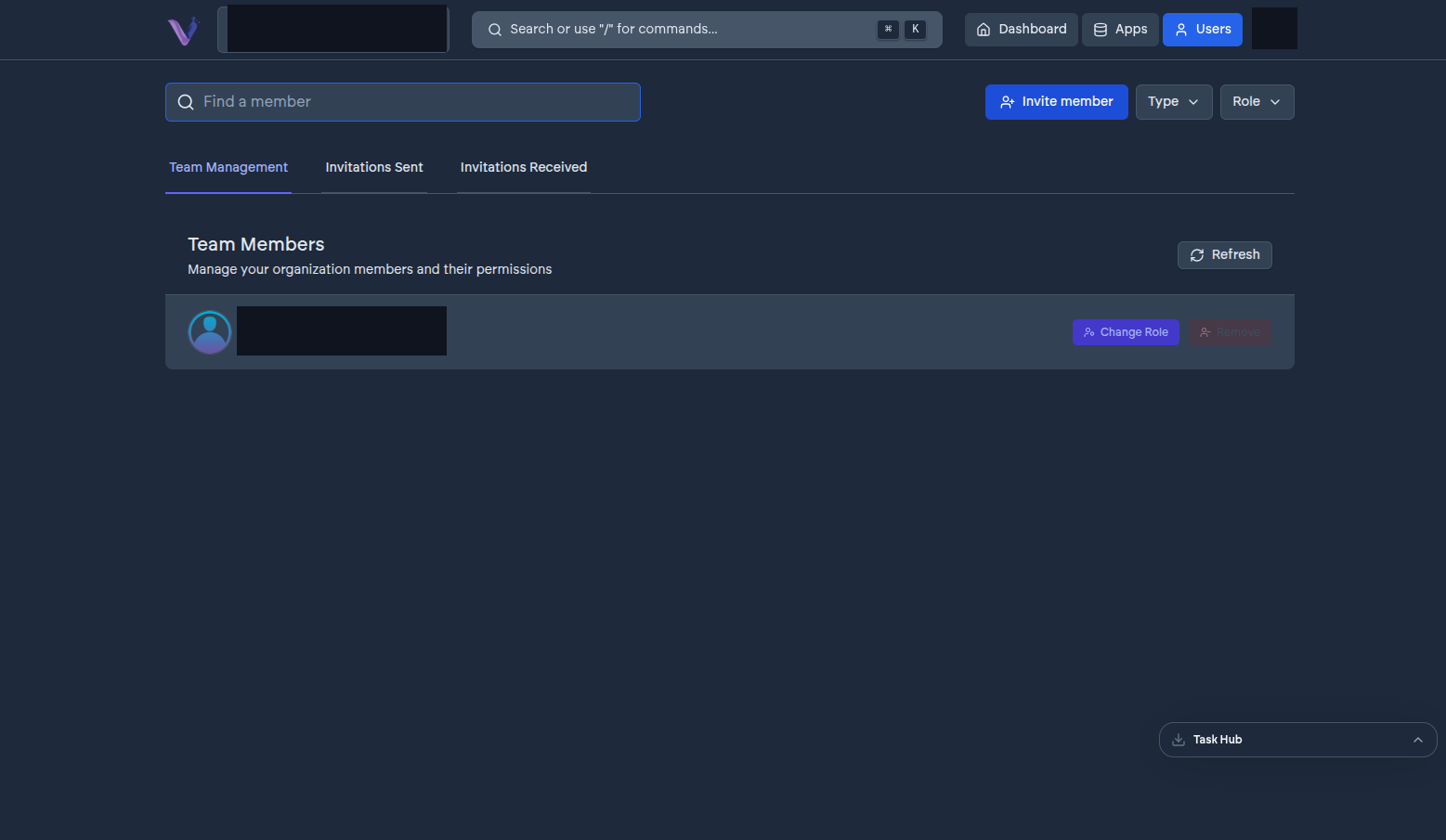
Adding someone to your organization goes through an invitation: an Admin sends one to an email address with a chosen role (Admin or Contributor), and the invited person accepts or declines it themselves. Nobody can be added to an organization without accepting an invitation sent to them, and only the invited person can act on their own invitation.
Lifecycle#
An invitation starts pending and moves to one of:
- Accepted - the person becomes a member with the role the invitation carried.
- Rejected - the person declined it.
- Expired - nobody acted on it within 24 hours of it being sent.
If an invitation expires or is rejected, an Admin sends a new one - an expired invitation doesn't come back to life.
Where invitations show up#
- Sent by your organization - visible to Admins from the Users page, alongside active members. An Admin can revoke a pending invitation before it's accepted.
- Sent to you - if you've been invited to an organization, you'll see it as a pending invitation tied to your account, and get an email with the option to accept or decline.