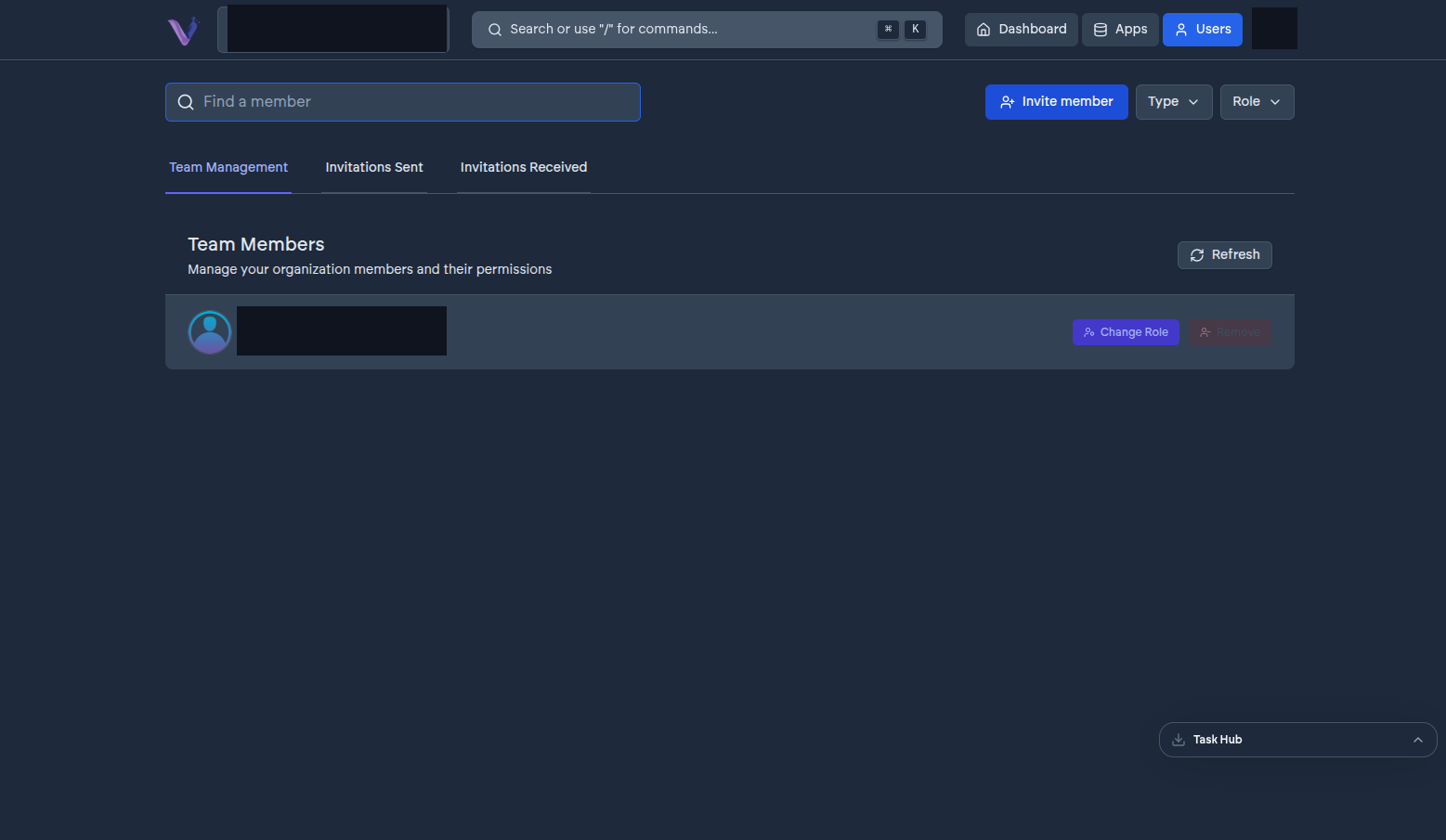
1. Open the Users page#
From the dashboard, go to Users. This is where every member of your organization, and every pending invitation, is listed.
2. Choose Invite member#
Enter the person's email address and pick a role:
- Admin if they should be able to manage members, install and manage apps, and change organization settings.
- Contributor if they only need to use what's already installed.
See Members and roles if you're unsure which fits.
3. They accept from their own end#
The person receives an email with the invitation. They sign in with Google or GitLab and accept it themselves - you can't accept on their behalf, and they can't be added without accepting. If they don't respond within 24 hours, the invitation expires and you'll need to send a new one. See Invitations.
4. They're in#
Once accepted, they appear on the Users page as an active member with the role you assigned, and can sign in and start using whatever apps their role and access allow.
Changing your mind#
- Before they accept: revoke the pending invitation from the Users page.
- After they accept: change their role, or remove them from the organization entirely, from the same page. See Managing members and roles.