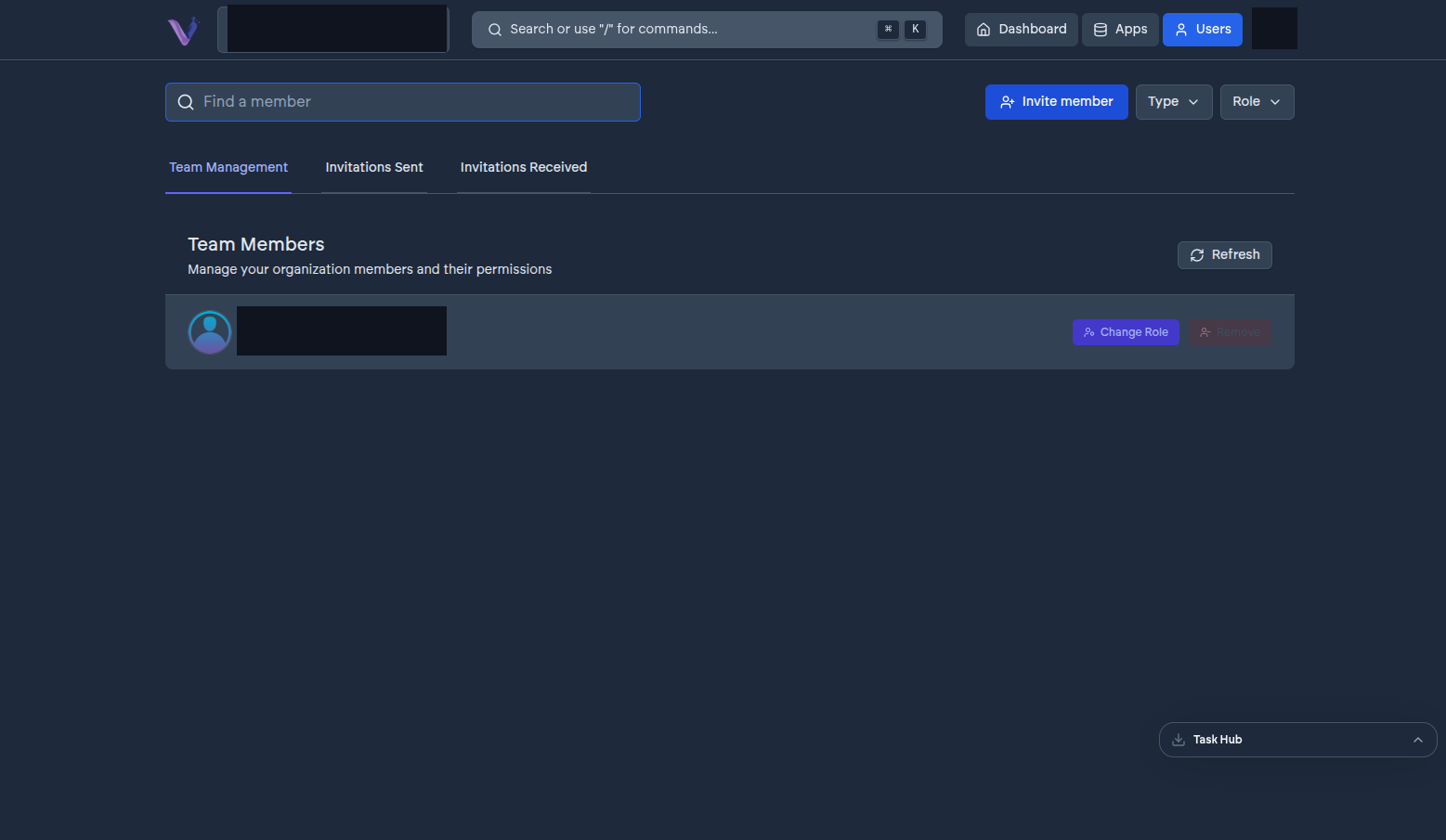
A member is a user who belongs to your organization. Membership is what carries a role - the same person can be a member of several organizations, with a different role in each, because identity and organization membership are deliberately kept separate.
In the dashboard, members are managed from the Users page, even though the underlying record is closer to an "employee of the organization" than a global user account - that distinction matters more for how the platform is built than for how you'll use it day to day.
The roles#
VCloud keeps roles to a small, fixed set rather than offering granular, custom permissions:
- Owner - held by whoever created the organization (or whoever it's since been transferred to). There is exactly one at a time.
- Admin - can manage members, install and manage apps, and change organization settings. Billing and the audit log stay Owner-only.
- Contributor - can use installed apps but does not manage members, billing, or organization settings.
When you invite someone, you choose between Admin and Contributor - ownership isn't something you assign at invite time.
Changing a member's role#
An Admin can change any other member's role, or remove them from the organization, from the Users page. Removing a member revokes their access to every app instance in the organization; it does not delete their VCloud account, which continues to exist and can belong to other organizations.