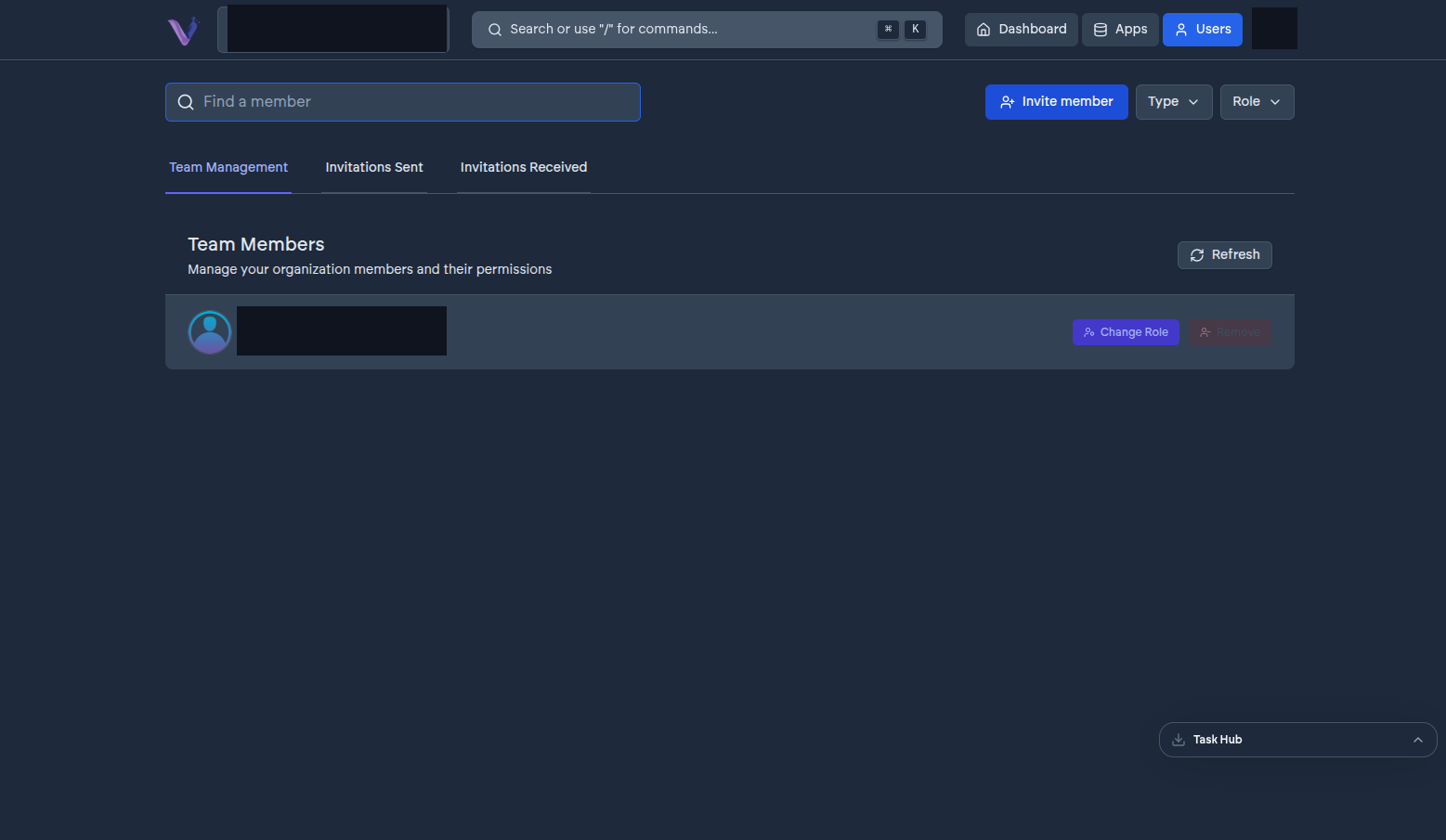
Changing someone's role#
From the Users page, select a member and change their role between Admin and Contributor. The change takes effect immediately - there's no re-invitation needed.
Removing a member#
From the same page, remove a member to revoke their access to the organization entirely. This immediately cuts off access to every app instance in the organization; it does not delete their VCloud account itself, which continues to exist and can belong to other organizations.
Transferring ownership#
Every organization has exactly one Owner. If ownership needs to change hands - someone leaving the organization, or a reorganization of responsibilities - contact support; this isn't currently a self-service action from the Users page.
A note on scope#
Role changes and removals are scoped to a single organization. If the same person belongs to more than one of your organizations, or to organizations outside yours entirely, changing their role or removing them in one has no effect on the others. See Users and identity.