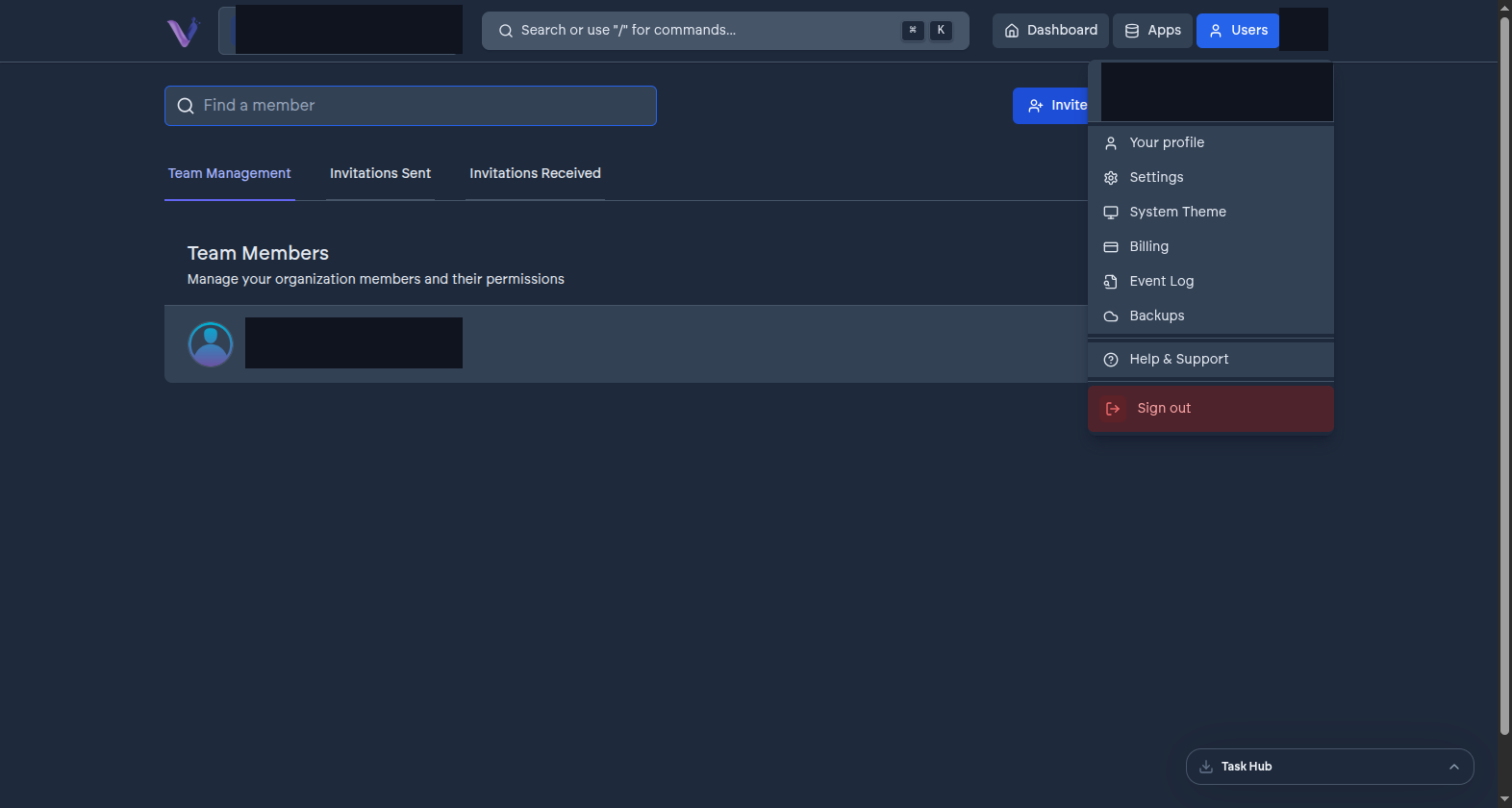
Your user identity is your VCloud account - a name, an email, a profile picture - and it exists independently of any organization. It's what makes it possible to belong to several organizations at once, each with its own role, without VCloud treating you as a different person in each one.
Sign-in is identity-provider only#
VCloud has no password of its own to set or forget. You sign in with an external account - currently Google or GitLab - and VCloud never sees or stores a password for you. See Single sign-on for how that choice is made per organization and what happens on first login.
Your profile#
The Profile page in the dashboard is where you manage your own display name and avatar. It's account-wide, not organization-specific - changing it updates how you appear across every organization you belong to.
What "your organizations" means#
GET-ing your own profile also gets you the list of every organization you're a member of, each with the role you hold there. This is what powers the organization switcher in the dashboard - see Switching organizations.