VCloud has no password of its own. Every sign-in - to the dashboard, and to every app installed under your organization - goes through vcloud-auth, the Varisymo Cloud authentication system, which federates to an identity provider rather than storing a credential itself.
Getting started: Google or GitLab#
Every VCloud account starts the same way: sign in with Google or GitLab. This is what creates your account on first login and what every new organization uses by default. If your organization's email domain is already associated with a specific provider, sign-in can route there automatically without you needing to pick one each time.
Bringing your own identity provider#
Beyond the Google/GitLab default, an organization can configure its own identity provider - the same way a business would set up enterprise SSO anywhere else. From Settings › Identity Provider, an Admin can generate a secure, one-time configuration link that opens a setup wizard. That wizard supports major providers directly - Microsoft Entra ID, Okta, Google Workspace, Active Directory, Auth0, AWS, and others - plus generic SAML, OpenID, and LDAP connections for anything not listed by name.
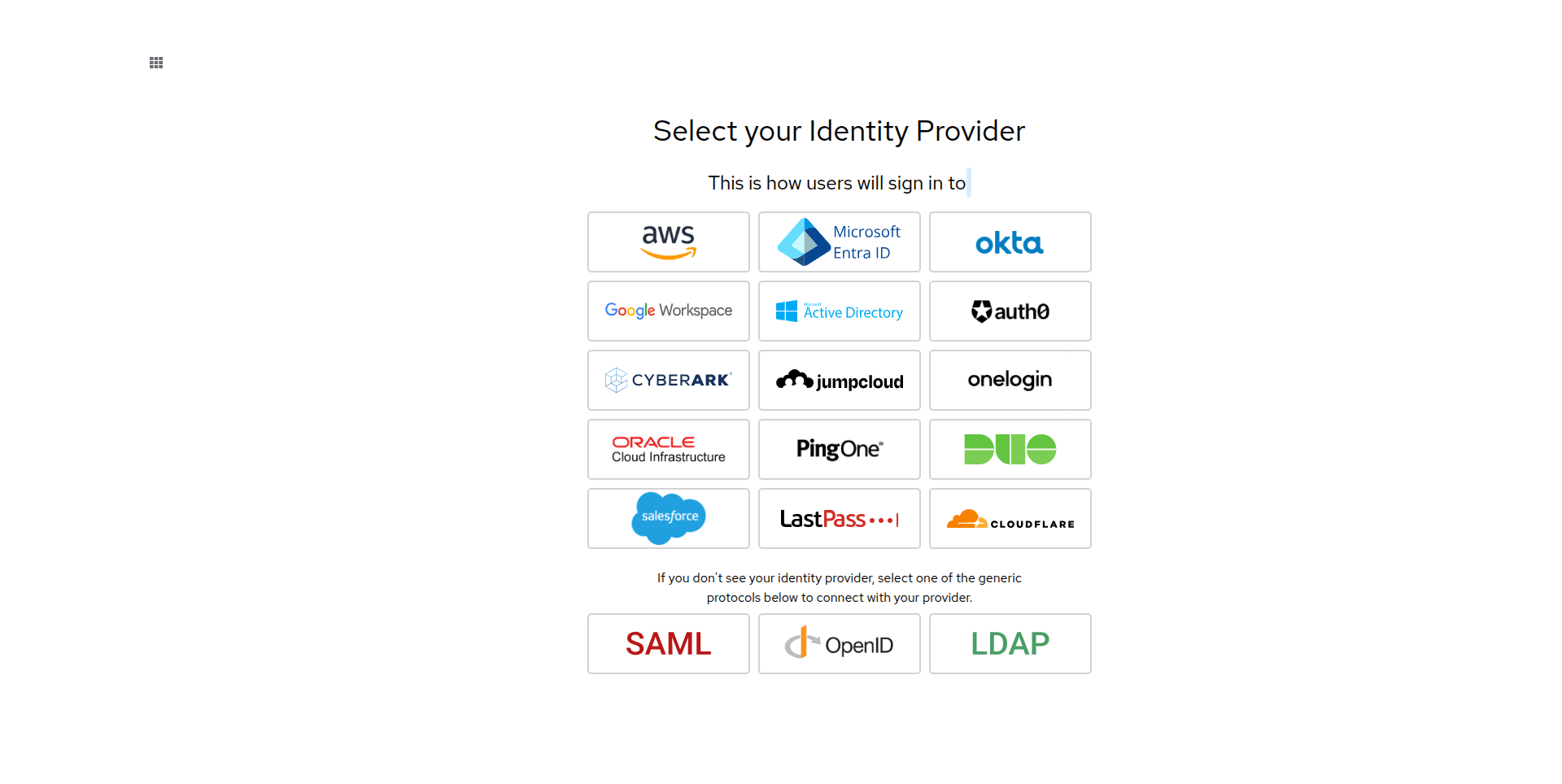
This is org-scoped: the identity provider you configure applies to how members of that organization sign in, not to VCloud as a whole. Settings shows the organization's current status as Current IdP: No IdP linked until one has been configured. Because the configuration link is a one-time, sensitive credential, generate it only when you're ready to complete setup, and open it in a private browser window to avoid conflicting with your existing session.
First sign-in#
The first time someone signs in to VCloud, if they don't already have an account, one is created for them from their identity provider profile. If it's also the first time for that person overall and they aren't joining via an invitation, VCloud creates a new organization for them automatically.
If the same person later signs in with their other supported provider using the same email address, VCloud links it to the existing account rather than creating a second one.
Every app inherits it#
This is what makes VCloud's single sign-on different from configuring it app by app yourself: when an application is installed, VCloud wires up sign-on for that specific instance automatically as part of the install by default - see Deployments - including for applications that have no login system of their own. Installing an app does let you opt out of this and fall back to a local account instead, for the rare case where that's what you actually want, but you never have to configure an identity integration per app to get single sign-on. n8n, Nextcloud, and OpenClaw are the exceptions where this isn't a choice - the first two require their own built-in authentication, and OpenClaw authenticates through its own gateway token instead of vcloud-auth entirely.