Every organization starts on Google or GitLab sign-in - see Concepts › Single sign-on. This page covers configuring your organization's own identity provider on top of that default.
Where to configure it#
From Settings › Identity Provider, Admins see the organization's current status (Current IdP: No IdP linked until one is set up) and three actions:
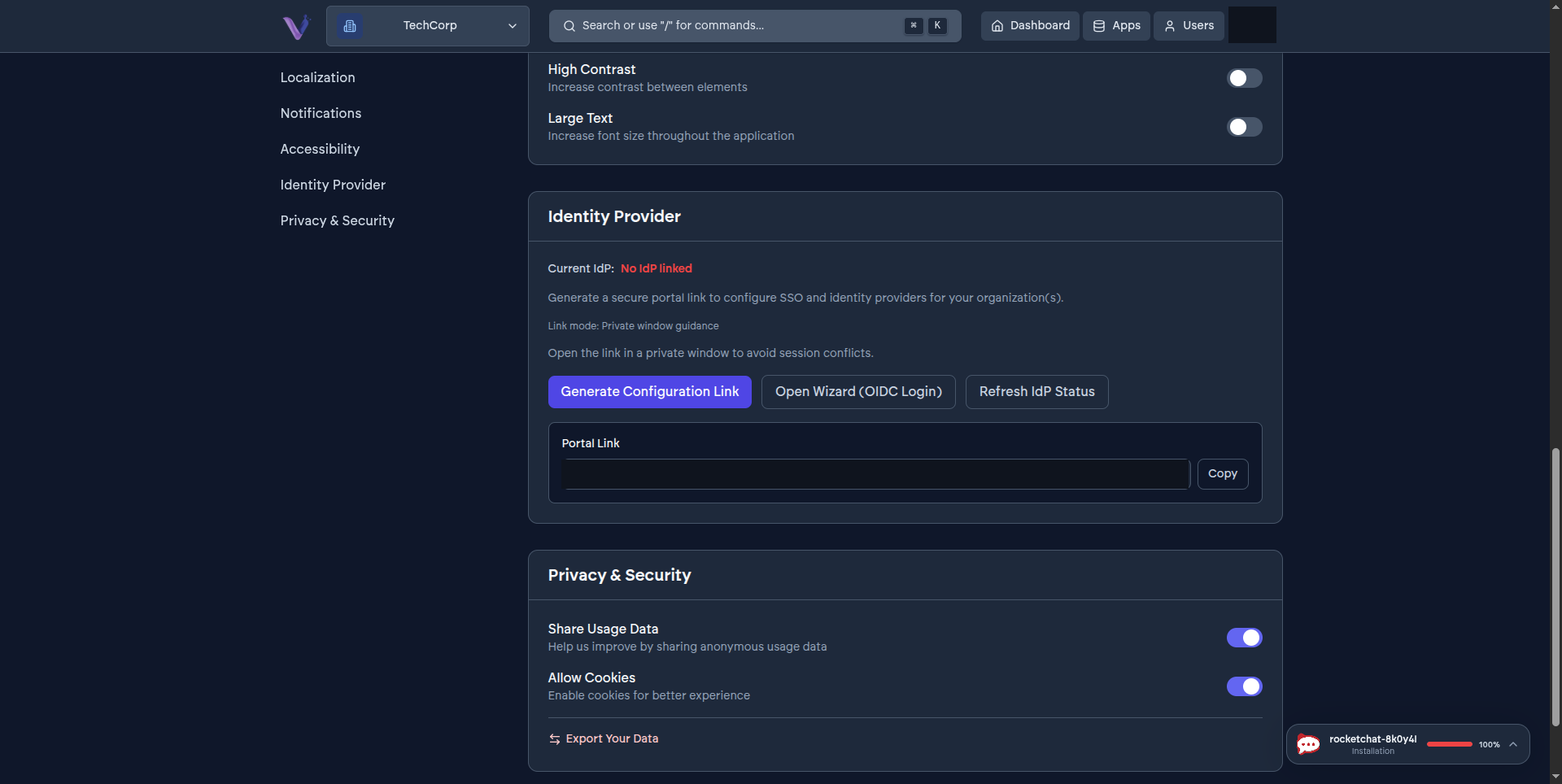
- Generate Configuration Link - creates a secure, one-time portal link for setting up SSO. Open it in a private browser window, as the on-screen guidance recommends, to avoid conflicting with your current session.
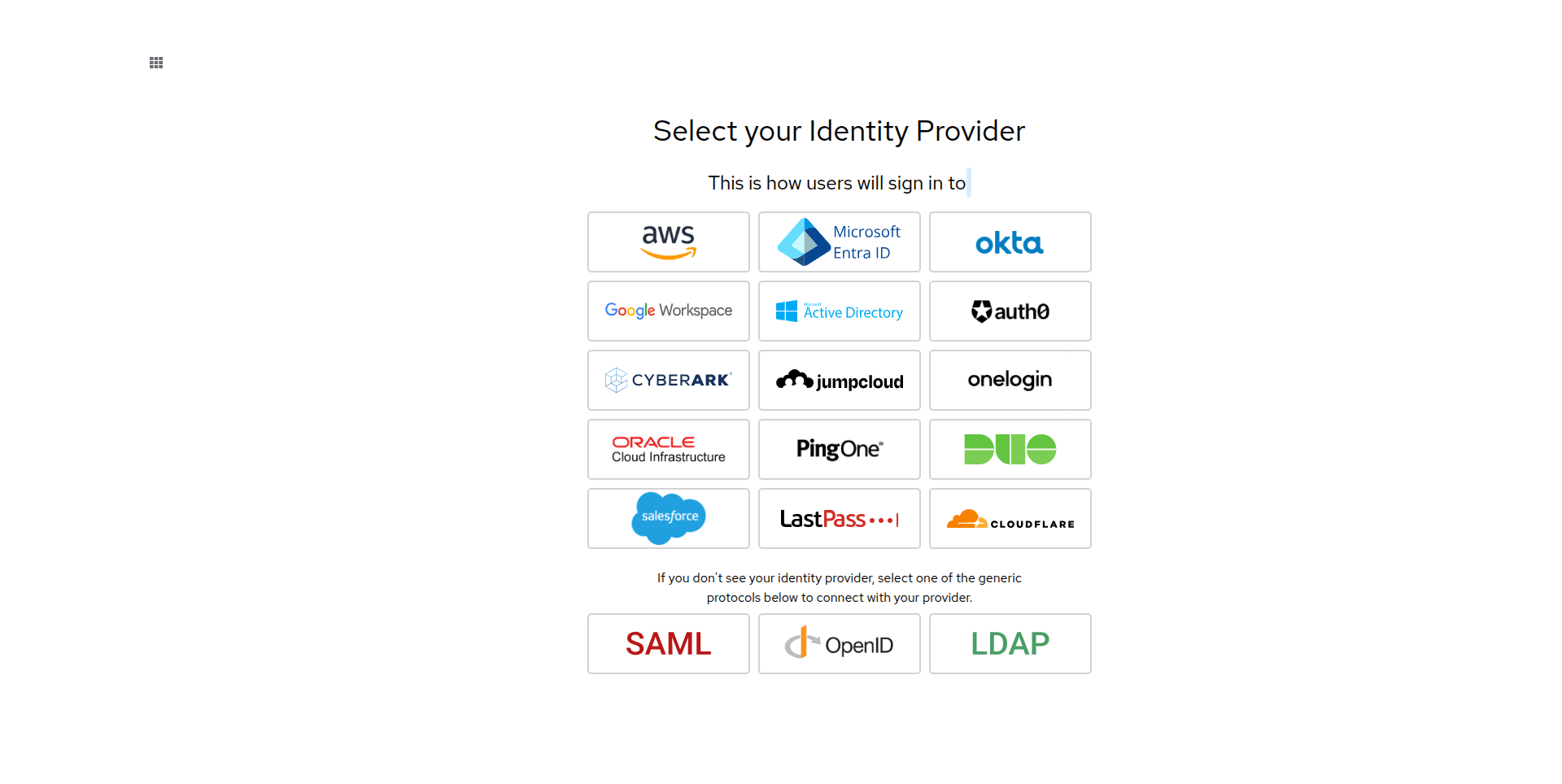
- Open Wizard (OIDC Login) - opens that same setup wizard directly. It first asks which of your organizations you're configuring (in case you belong to more than one), then walks you through picking a provider:
- Refresh IdP Status - re-checks the current status after you've completed setup elsewhere.
What's supported#
The wizard offers direct integrations for several major providers - Microsoft Entra ID, Okta, Google Workspace, Active Directory, Auth0, AWS, CyberArk, JumpCloud, OneLogin, Oracle Cloud Infrastructure, PingOne, Duo, Salesforce, LastPass, and Cloudflare - and falls back to generic SAML, OpenID, or LDAP for any provider not listed by name.
Scope and caution#
Configuring an identity provider is org-scoped: it changes how members of that specific organization sign in, not VCloud as a whole. Because it changes your organization's sign-in path, treat it like any other identity infrastructure change - confirm you have a way back in (a break-glass account, or coordination with whoever else administers the organization) before completing setup, particularly on an organization other people already depend on.