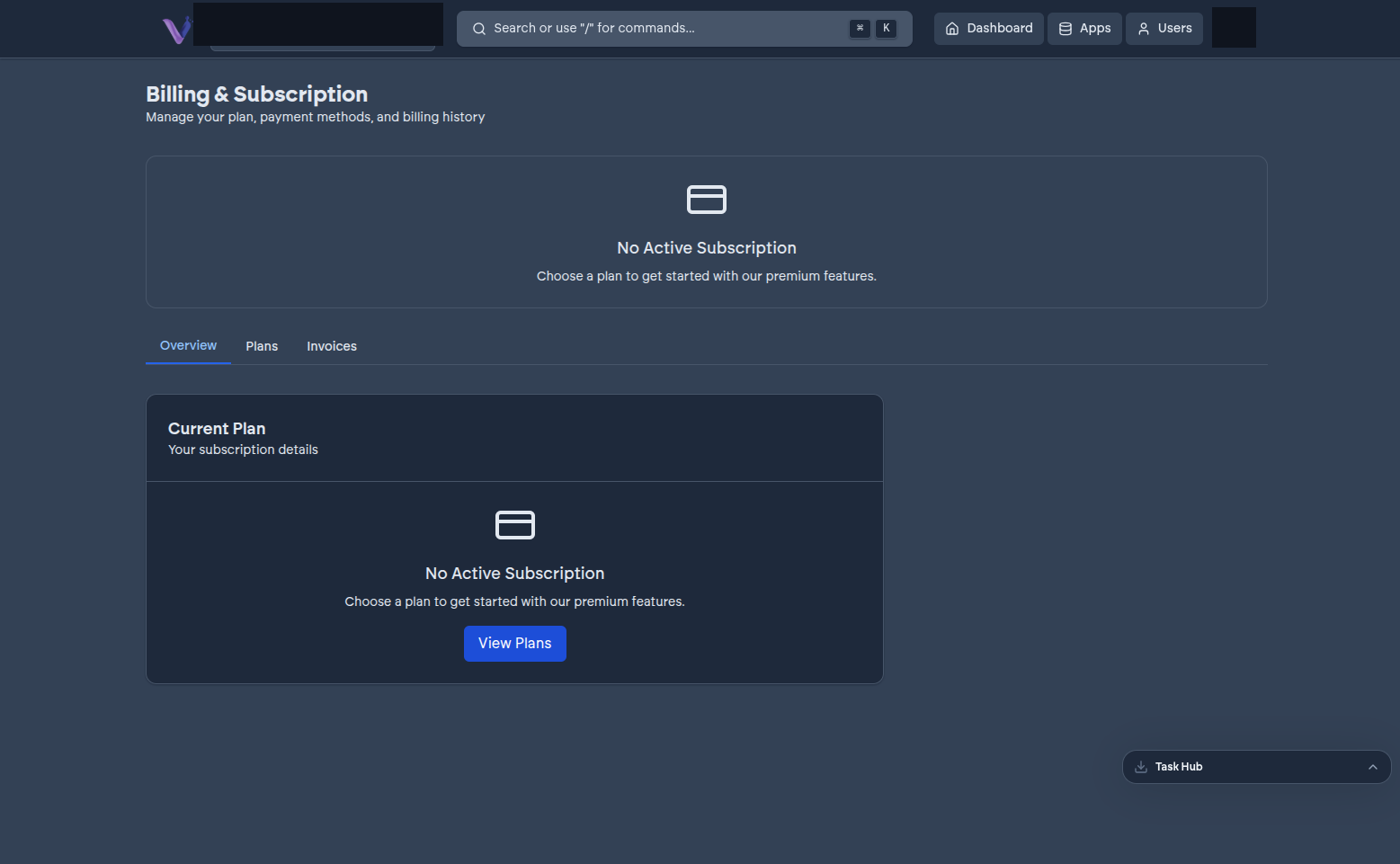
The Billing page is where your organization's plan, payment method, and invoice history live. The whole page - viewing the plan, changing it, updating the payment method, and invoice history - is restricted to the Owner.
Viewing your current plan#
The Owner sees the organization's current plan and its status from the Billing page.
Upgrading or downgrading#
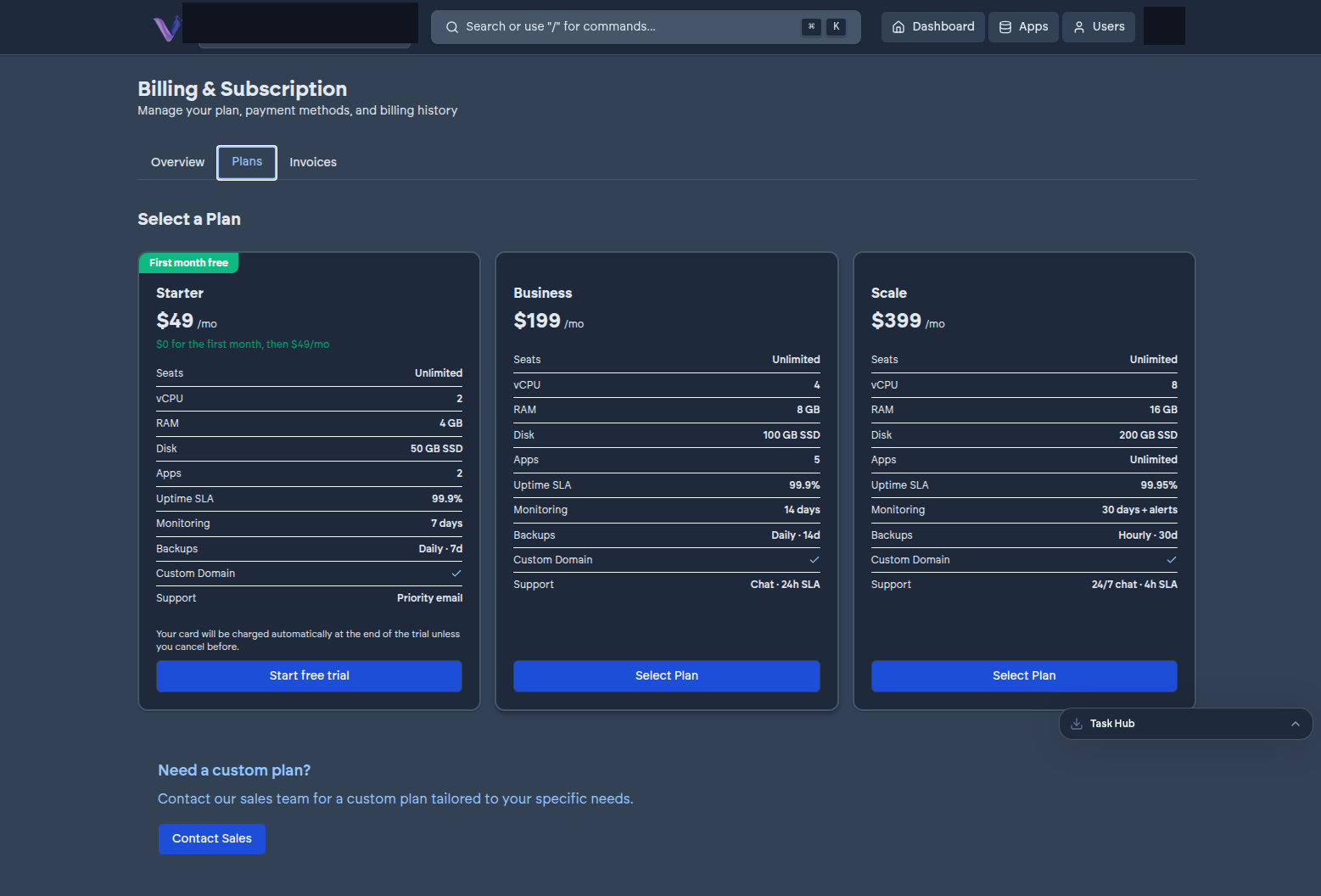
The Owner changes plans directly from the Billing page's Plans tab. Moving up takes effect immediately; moving down to a tier that doesn't have room for what's already installed isn't possible until you free up capacity - see Plans.
Managing your payment method#
Payment details are handled through a secure, hosted checkout rather than being entered or stored directly on VCloud's own pages - selecting a plan hands you off to it:
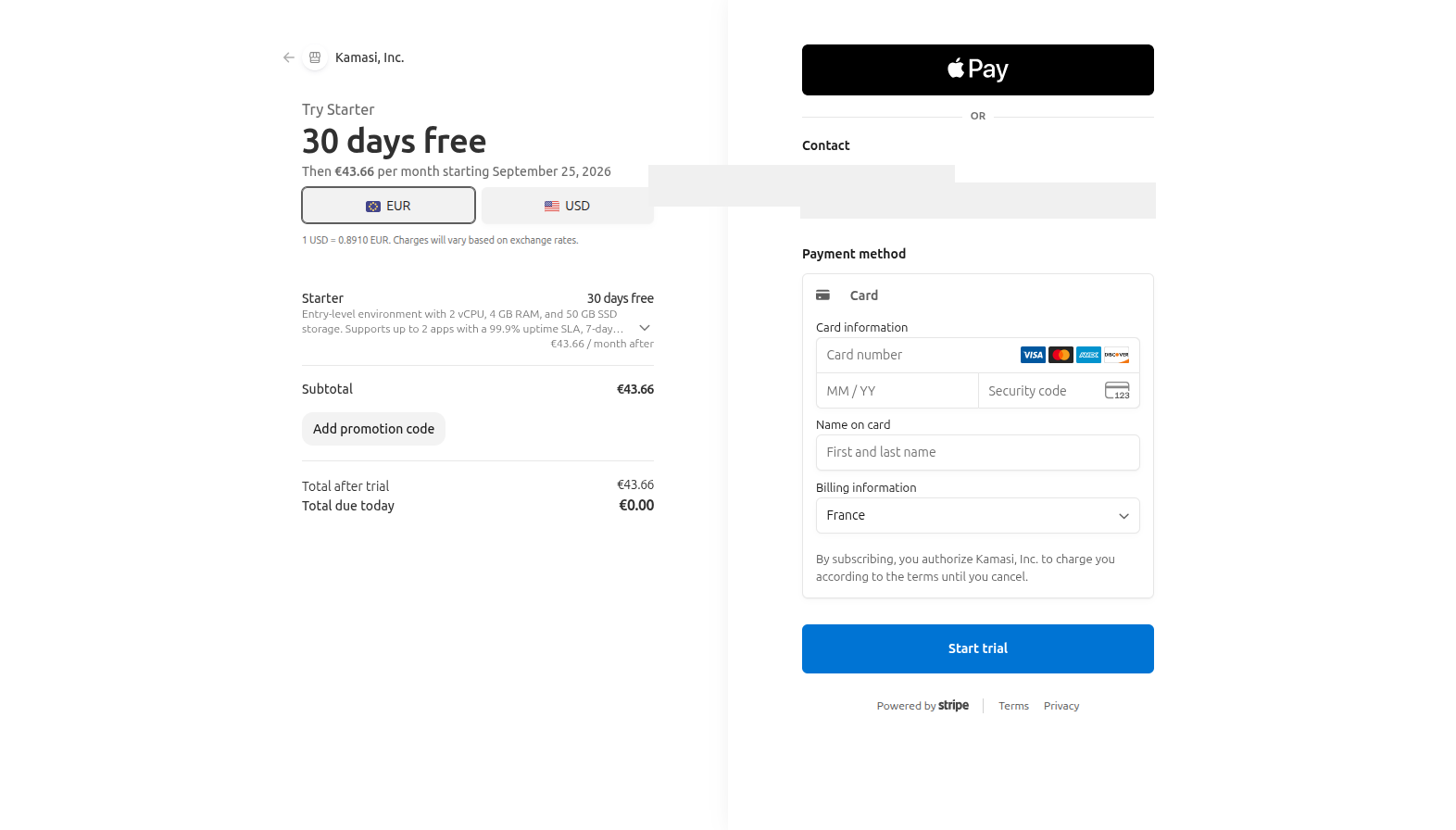
From Billing, the Owner can update the card on file or review upcoming charges through that same portal.
Invoice history#
Past invoices, each with a hosted copy and a downloadable PDF, are listed on the Billing page for the Owner. See Invoices.