From Settings › Notifications, choose what you're notified about, by email and in-app, independently:
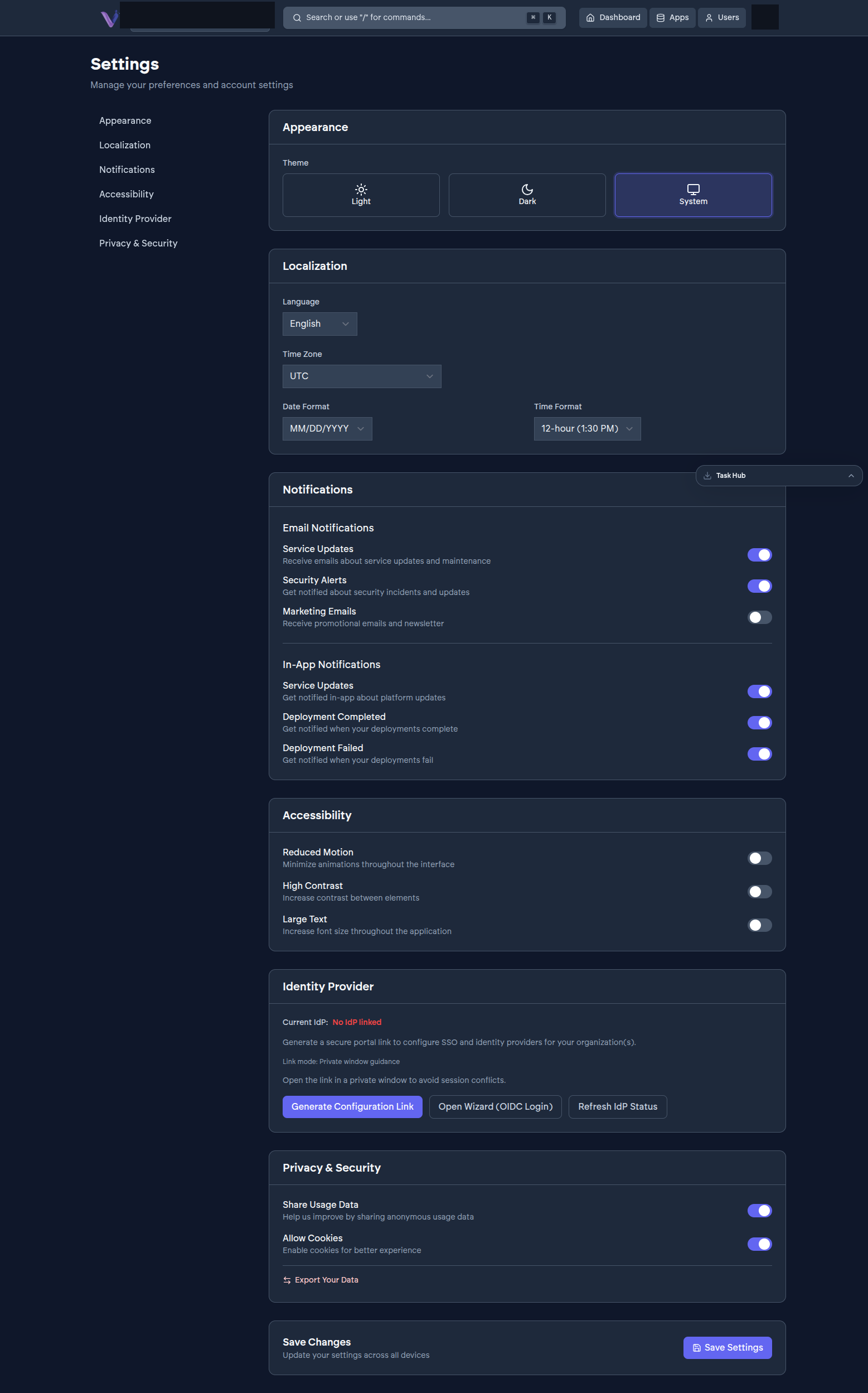
Email: Service Updates, Security Alerts, Marketing Emails.
In-app: Service Updates, Deployment Completed, Deployment Failed.
Toggle any of them on or off, then select Save Settings at the bottom of the page - the same button that saves the rest of your Settings changes (Appearance, Localization, Accessibility). These preferences are per-account, not per-organization, so they carry across every organization you belong to.