Installing, uninstalling, starting, stopping, or upgrading an app instance is a deployment - an operation that takes real time to complete and runs in the background rather than blocking the dashboard while it works.
Asynchronous by design#
When you trigger a deployment, the dashboard doesn't wait for it to finish. It gets back a task immediately and shows you a progress state while the actual work - preparing the app, wiring up sign-on, bringing it online - happens behind the scenes. That progress lives in the dashboard's Task Hub, which you can expand at any time to see what's running and how far along it is:
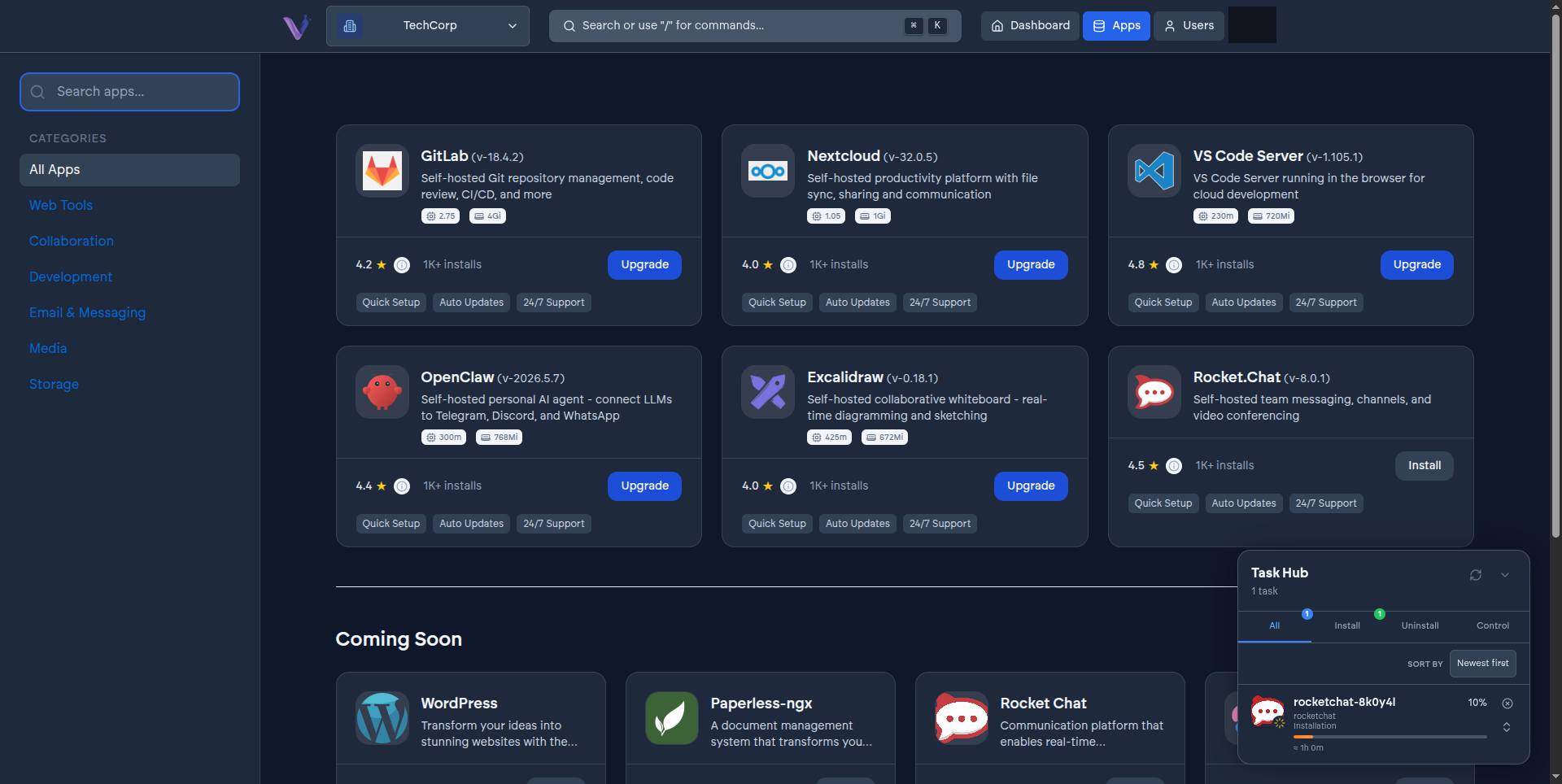
You can navigate away and come back; the dashboard picks the task back up and keeps you posted on where it's at. An install can take up to about an hour depending on the app, so it's built to be watched occasionally rather than stared at.
Only one deployment can run against a given instance at a time. If you try to start a second operation on an instance that's already mid-deployment, VCloud tells you one is already in progress rather than letting the two collide. If you change your mind partway through, a running task can be canceled from the Task Hub.
What a deployment involves#
An install, in particular, goes through more than just bringing the software online:
- The application is prepared from the catalog, using the configuration you set at install time - resource allocation, storage size, and an initial admin account for apps that need one.
- If you left single sign-on on its default setting, it's configured for this specific instance automatically.
- The application is brought up. If something goes wrong partway through, the deployment is rolled back rather than left in a half-installed state.