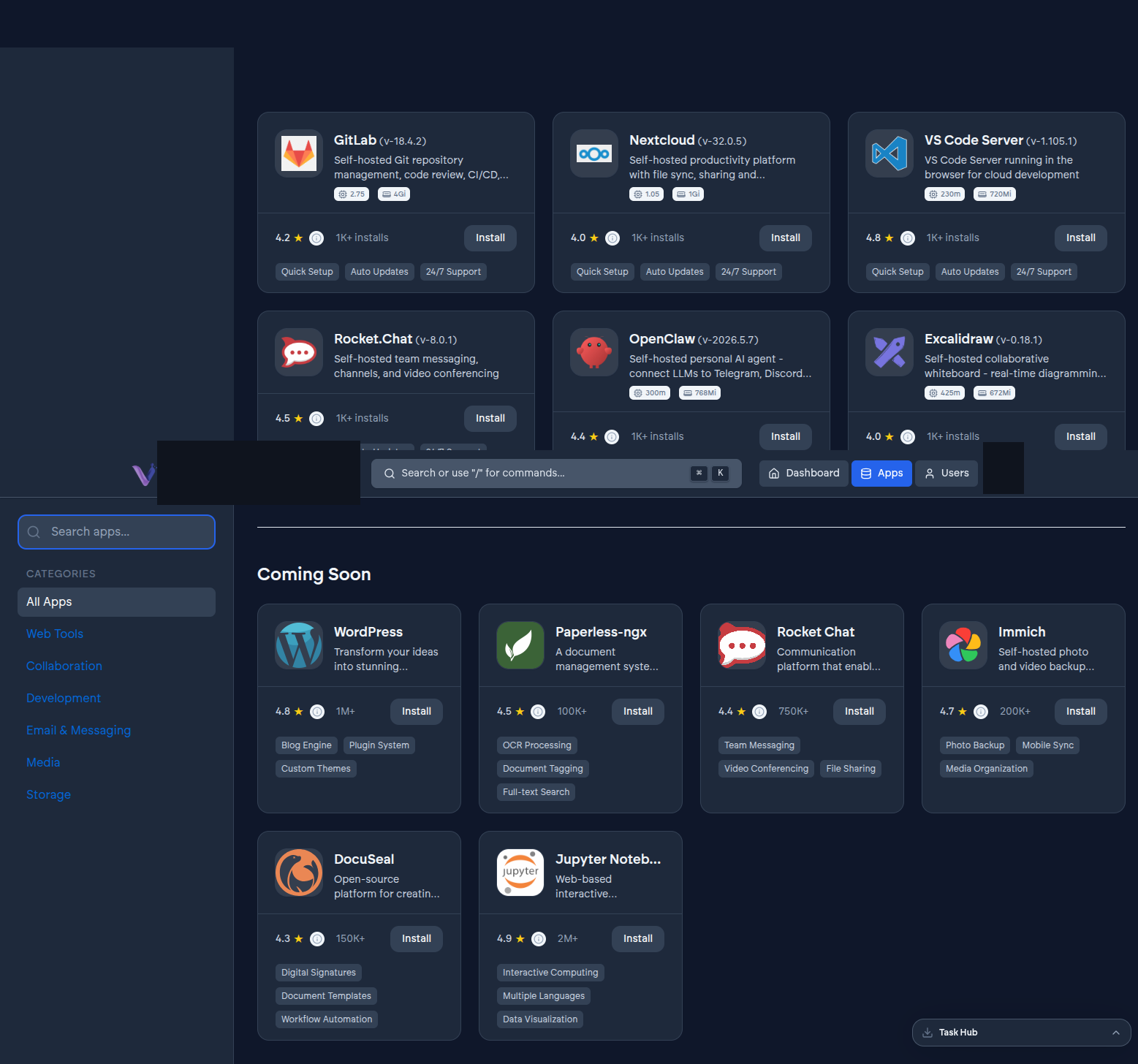
The App Store is the in-dashboard catalog of applications you can install into your organization - GitLab, Nextcloud, Outline, n8n, VS Code Server, Rocket.Chat, OpenClaw, and a growing list beyond that. It's the starting point for almost everything you do on VCloud day to day.
It reflects what's actually available, live#
The App Store isn't a static page - what it shows is fetched from VCloud's backend at the time you open it, not a fixed list baked into the dashboard. That matters for two reasons: new applications appear as soon as they're added to the catalog without you needing to do anything, and an application only ever appears if VCloud is actually able to offer it - some open-source projects are deliberately withheld while their license terms are worked out, so you won't see a listing for something VCloud can't legally provide.
Each entry shows a category (Development, Storage, Communication, and so on), a version, and a short description. Selecting one takes you to install it - see App instances and Deployments for what happens next.
Every entry gets the same treatment#
Whatever you install from the App Store arrives with the same extensions applied automatically, regardless of which application it is: single sign-on even if the app has no login system of its own, and a private access path. See Philosophy for why that's a deliberate design choice rather than a per-app add-on.
What limits what you can install#
Your plan sets a cap on how many app instances your organization can run at once, and your available compute is shared across everything installed. See Usage and quotas.