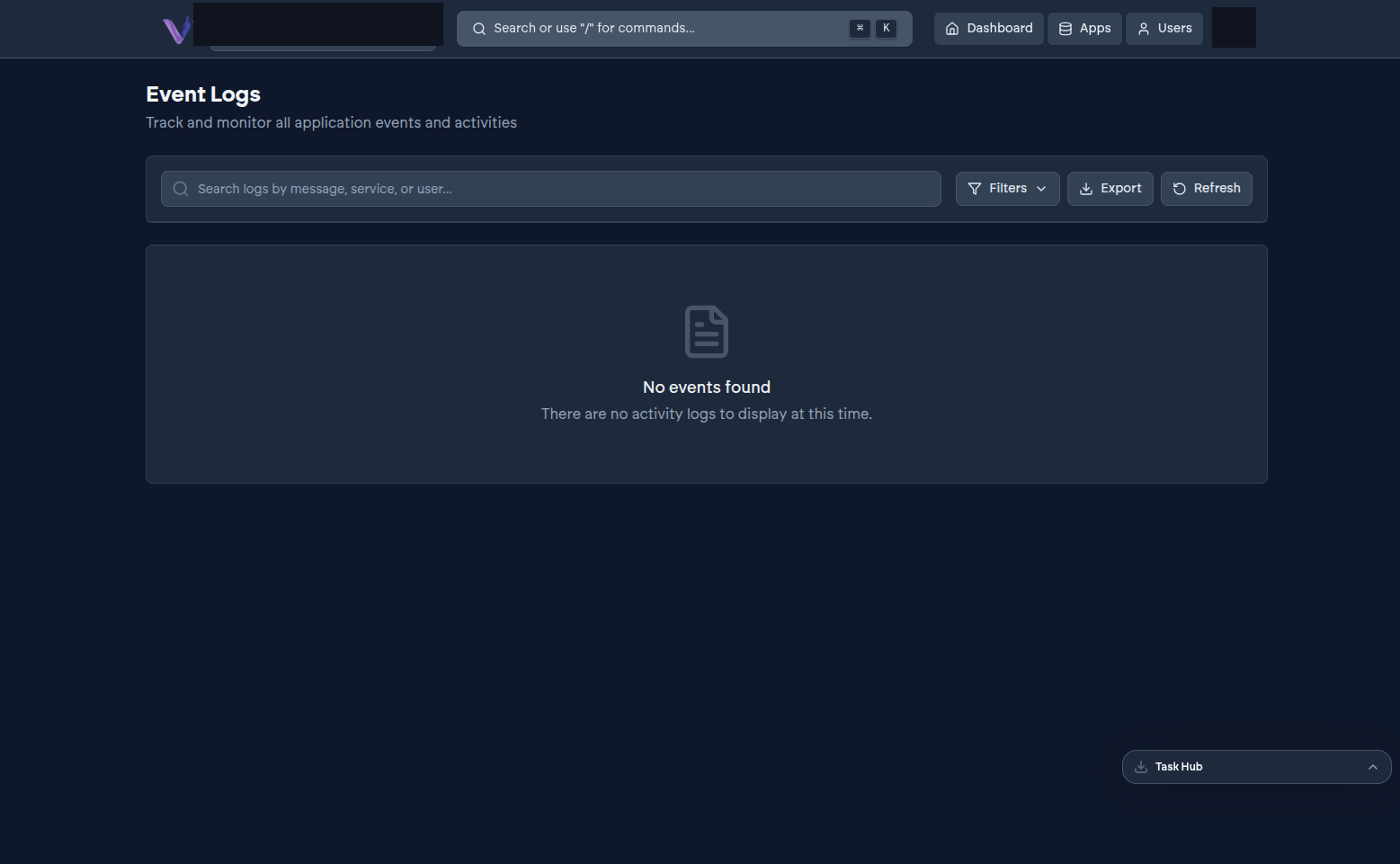
Your organization keeps a running record of notable activity - who did what, and when - visible to the Owner from the dashboard, under Event Log in the profile menu.
What shows up#
The audit log covers organization-level events: membership changes (invitations sent, accepted, or revoked; roles changed; members removed) and app lifecycle events (installs, uninstalls, upgrades, and state changes like an instance going into an error state). It's the place to look when you need to answer "who installed this" or "when did this instance last change state" without having to reconstruct it from memory.
Scope#
The audit log is scoped to your organization - it shows activity within your own tenant, not anything happening elsewhere on VCloud.