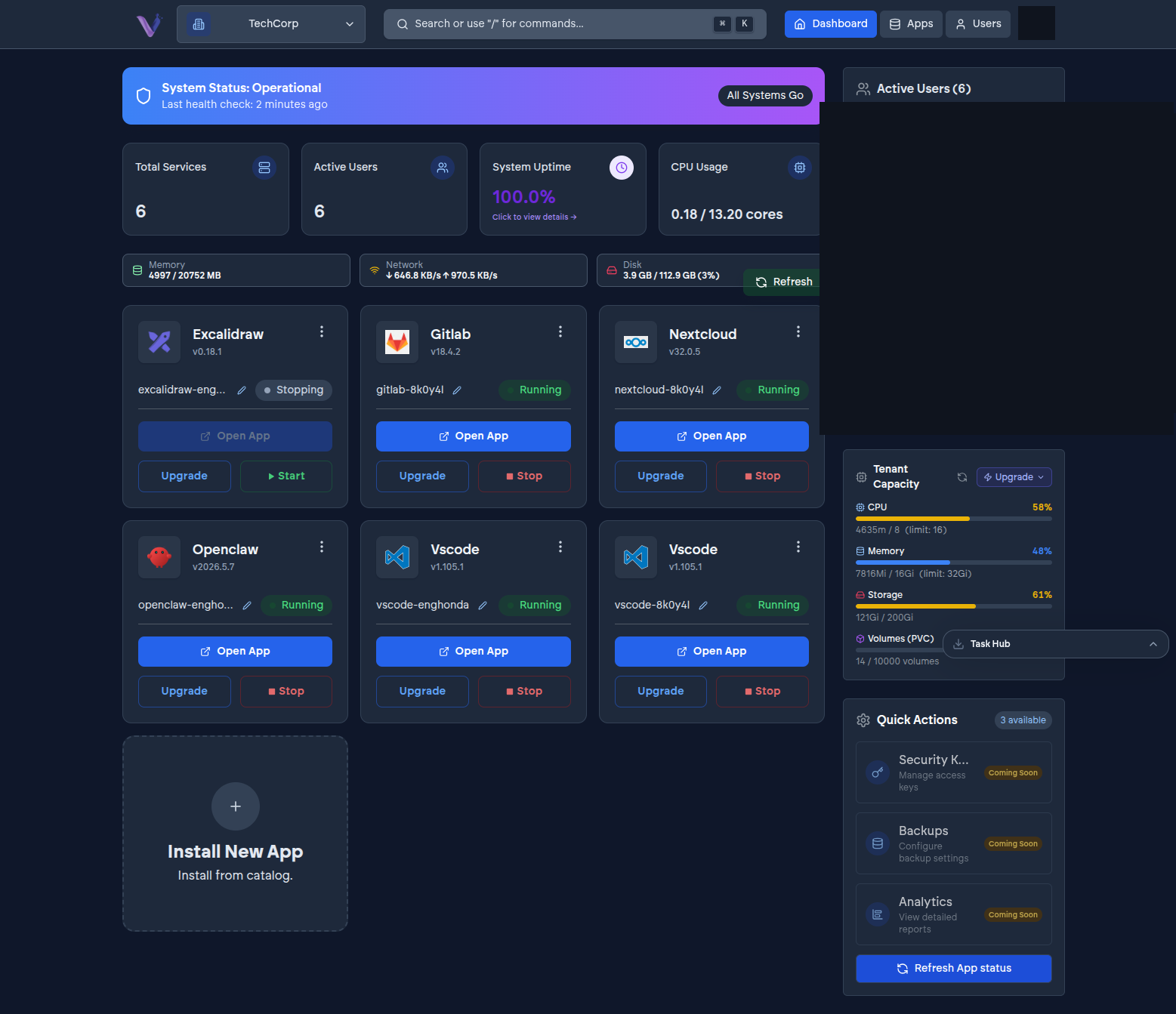
If you belong to more than one organization, an organization switcher in the dashboard lets you move between them without signing out and back in.
How it works#
Your account tracks every organization you're a member of and the role you hold in each one - see Users and identity. Switching updates what the dashboard shows you: the App Store, installed instances, members, and billing all reflect whichever organization is currently active, not a merged view across all of them.
Your role can differ per organization#
There's nothing tying your role in one organization to your role in another - you might be an Admin in one and a Contributor in another, with the switcher being the only thing separating the two. Check which organization is active before making a change you'd only want applied to one of them, particularly billing or membership changes.