A few habits that make working with VCloud smoother, gathered from across the guides rather than tied to any one of them.
Give instances a real label. The friendly label you can set on an instance is what you'll actually see day to day - set it to something meaningful ("Team Wiki", not the default release name) as soon as you install, especially once you have more than one instance of the same app.
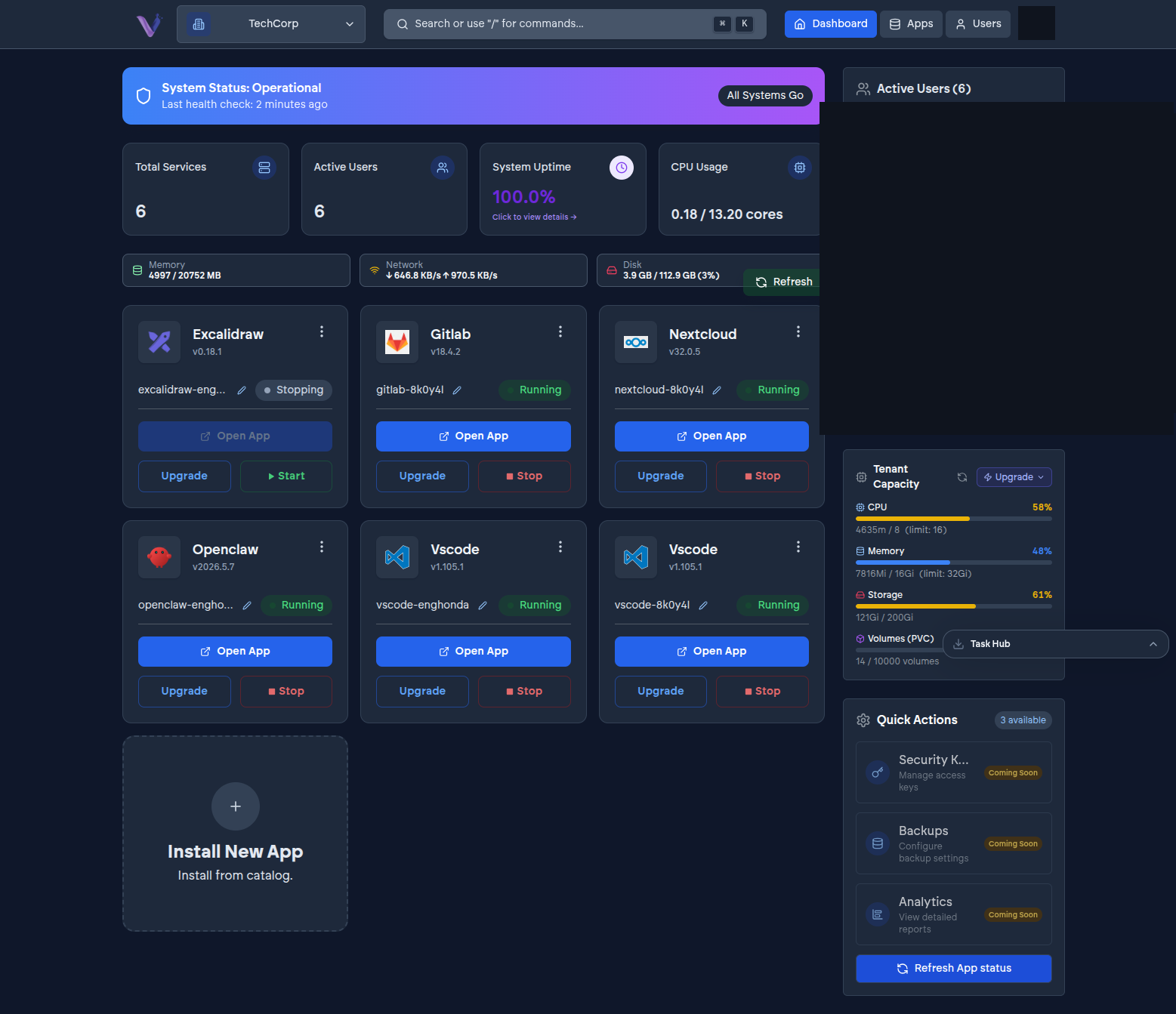
Check your quota before a heavy install. Some apps, GitLab especially, need real headroom to run well. Glance at your organization's usage against its quota before installing something resource-intensive rather than discovering the shortfall mid-deployment. See Monitoring usage.
Decide organization-scoped versus personal up front. Changing an instance's scope after the fact isn't a simple toggle - it's effectively a new install. Think about who actually needs a given app before you install it, not after. See App instances.
Export before you uninstall. Uninstalling an instance is permanent and irreversible. Before removing one you might want later, export what matters from inside the app first - see App lifecycle and states.
Invite people with the role they need, not the most convenient one. It's tempting to make everyone an Admin to avoid a second trip back to the Users page. Resist it - see Members and roles for what each role actually grants.