Every application in the App Store gets single sign-on configured automatically at install time by default, including applications that have no login system of their own. You never set up an identity integration app by app - it's part of what "installed" means on VCloud. An install can opt out of this in favor of a local account instead, for the rare case where that's genuinely what's needed, but it isn't the default.
Three apps are structural exceptions. n8n's community edition doesn't include SSO, which n8n reserves for its paid self-hosted plans, and Nextcloud's doesn't support it without additional apps - both always use their own built-in accounts instead. OpenClaw is different again: it doesn't use vcloud-auth at all, authenticating instead through its own gateway token. None of these are a choice you make at install - they're how that specific app works.
This is a meaningful departure from configuring sign-on yourself. On a self-managed stack, wiring up single sign-on for each application individually is real, recurring work, and it's routinely the thing that gets skipped under time pressure - leaving one app behind on a separate password while everything else is unified. On VCloud there's nothing to skip: it's applied the same way, every time, for every app.
Your own identity provider, not just Google or GitLab#
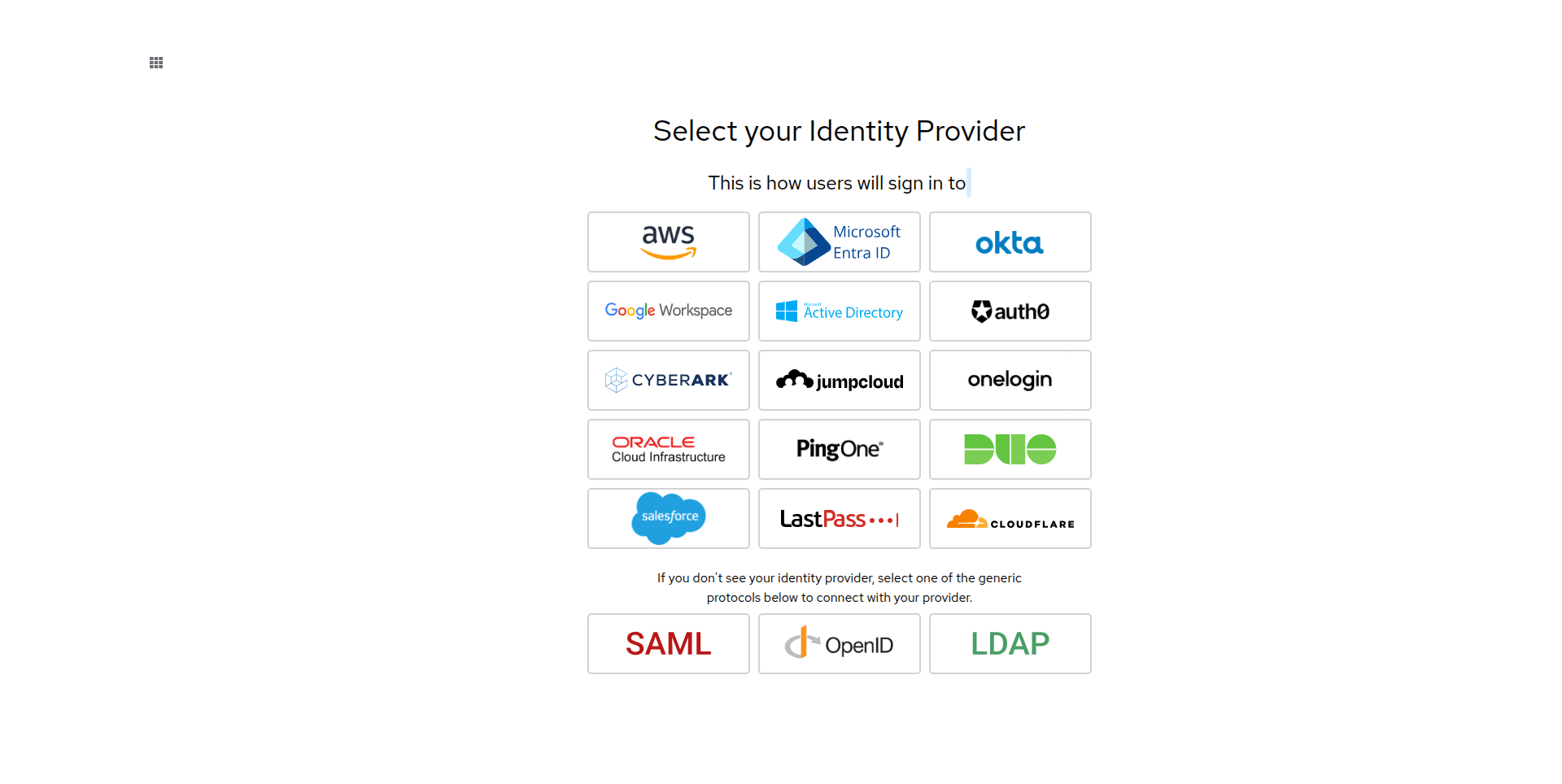
Sign-in isn't limited to the Google or GitLab account you started with. Your organization can connect its own enterprise identity provider - Microsoft Entra ID, Okta, Google Workspace, Active Directory, Auth0, and several others directly, or any SAML, OpenID, or LDAP provider generically - through a self-service setup wizard. See Integrations › Identity providers.
See Concepts › Single sign-on for how your organization's identity provider choice flows through to this, and Deployments for where in the install process it happens.