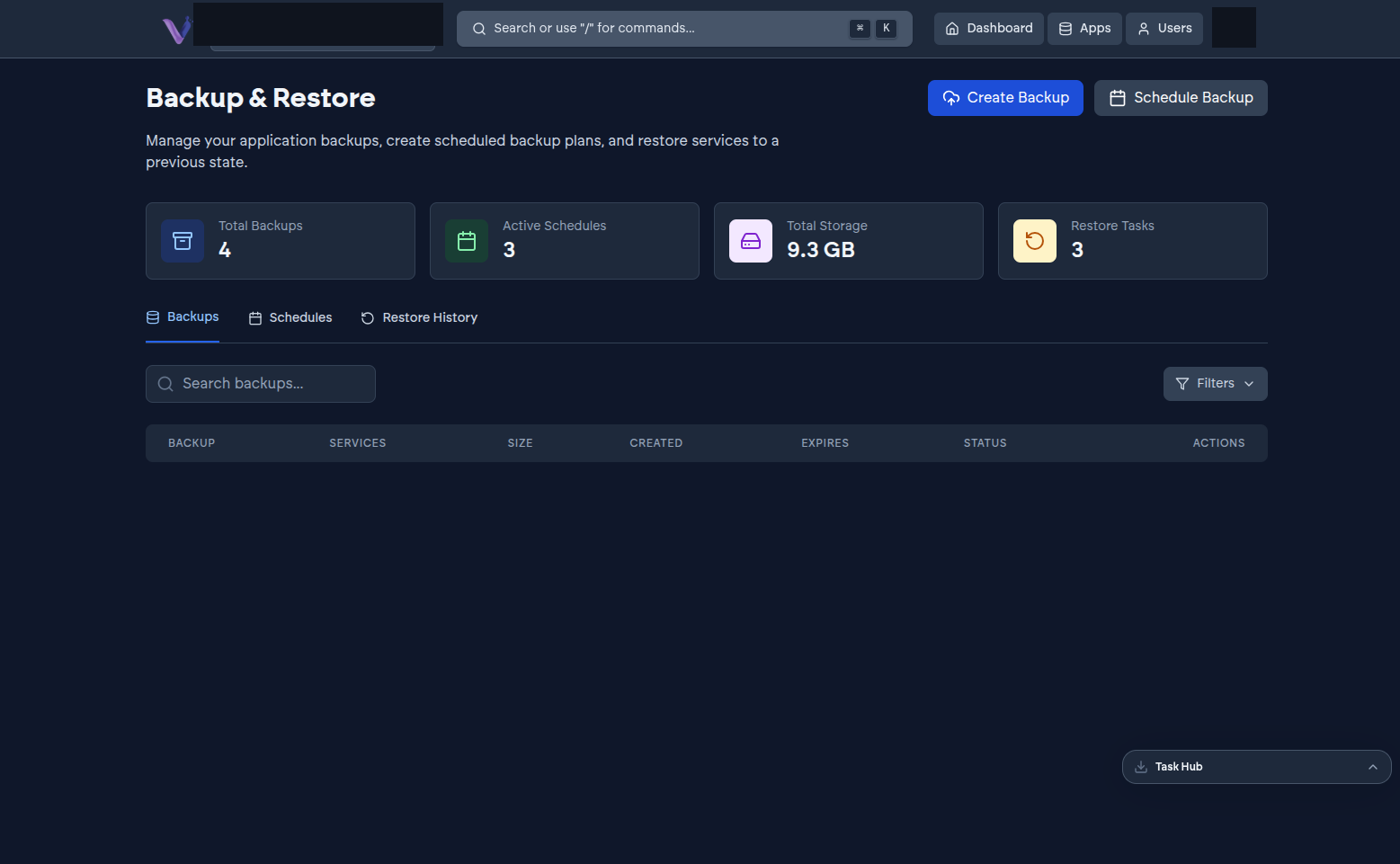
Every app instance is backed up automatically as part of the platform - nothing to set up for the baseline schedule your plan includes. On top of that, a self-service Backup & Restore page lets you create a backup on demand, add extra recurring schedules, and restore from history.
What a backup actually captures#
A backup covers everything an app needs to be restorable as a whole, taken together rather than piecemeal. An app with a database and separate stored files, for example, has both captured consistently in the same backup - a common failure mode on self-managed setups is backing up a database and file storage on different schedules, so a restore reunites data that was never actually in sync at any single point in time. VCloud's backups are structured specifically to avoid that.
Retention scales with your plan#
How far back you can go, and how frequently backups are taken, depends on your organization's plan - higher tiers retain more frequent backups for longer. See Pricing for current retention figures per tier.
Restoring#
Restoring is self-service from the Restore History tab of the Backup & Restore page - see Backing up and restoring for the walkthrough.