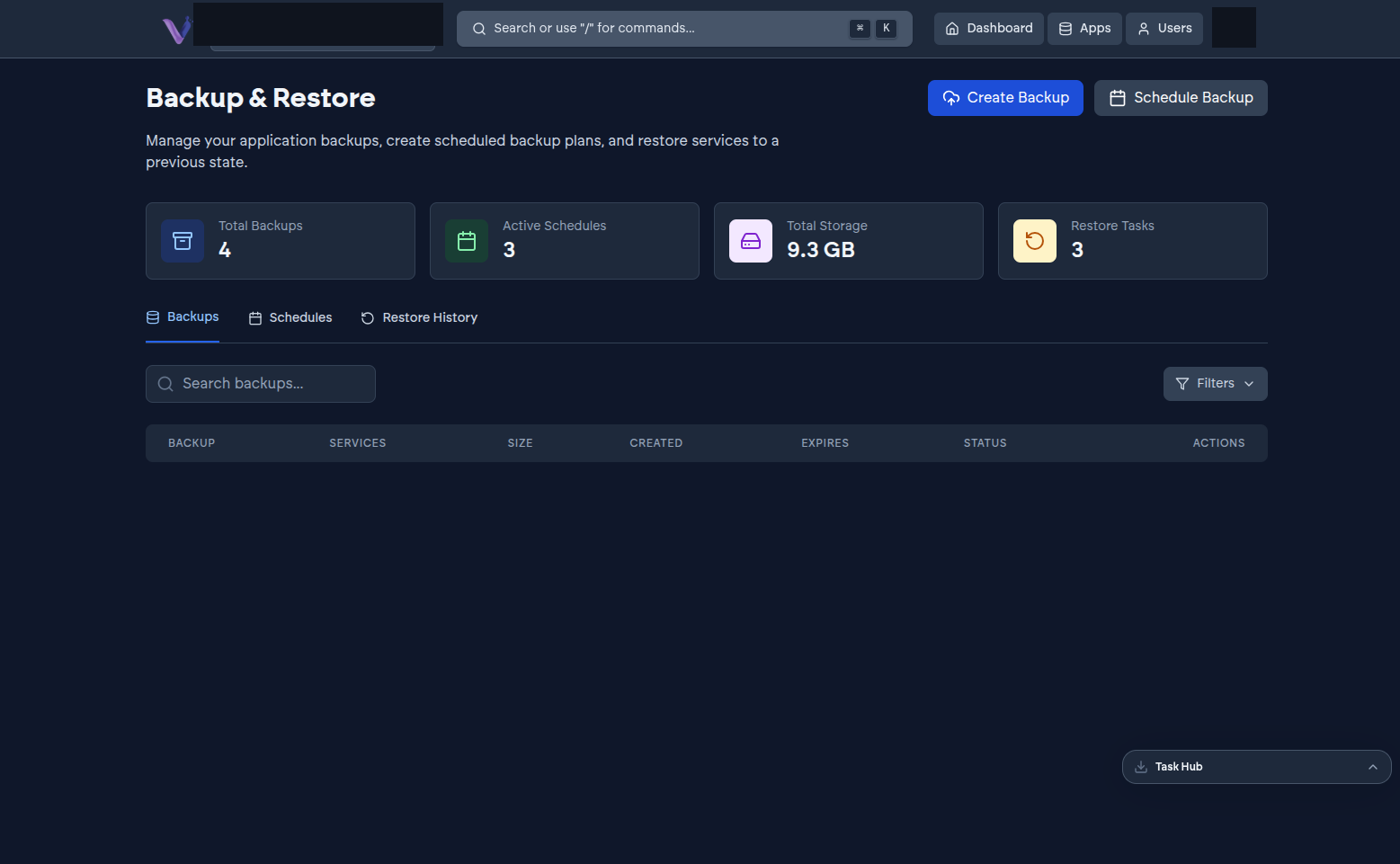
Every application VCloud runs gets automated backups included as part of the platform, and you also get a dedicated, self-service Backup & Restore page (in the profile menu, under Backups) for creating backups on demand, scheduling recurring ones, and restoring from history.
Creating a backup on demand#
Select Create Backup from the Backup & Restore page and choose which app instance to back up. This runs alongside your plan's automatic schedule - useful right before an upgrade or a risky change, when you don't want to wait for the next scheduled backup.
Scheduling recurring backups#
Select Schedule Backup to set up a recurring backup plan for an instance, beyond what your plan already includes automatically. The Schedules tab lists every active schedule.
Restoring#
The Restore History tab tracks past restore operations for the organization.
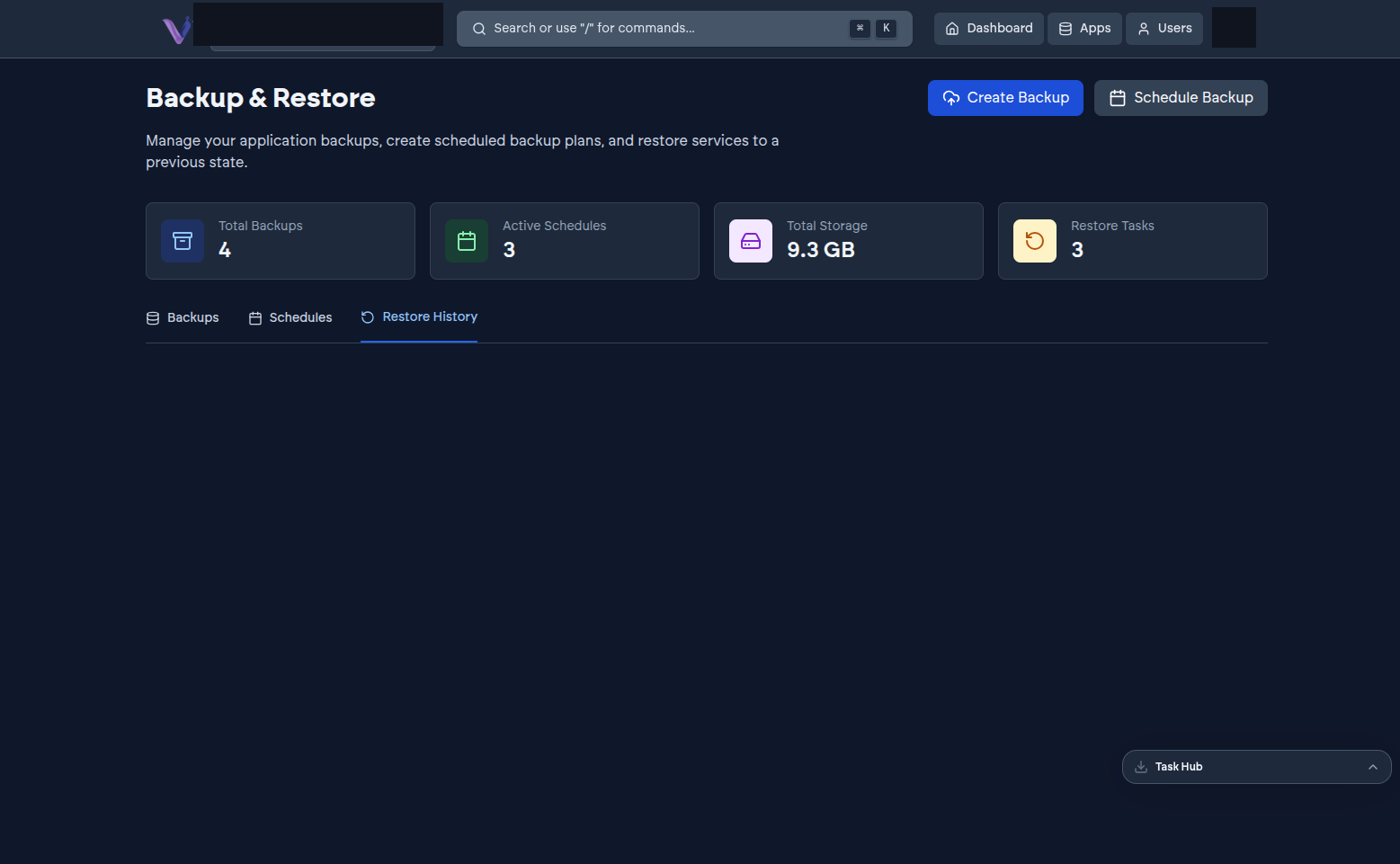
To restore an instance from a specific backup, find it under the Backups tab and use its row action. Because a restore replaces the instance's current state with an earlier one, double-check you have the right backup and the right instance before confirming.
Before you uninstall#
Because uninstalling an instance is permanent, it's worth confirming a recent backup exists - or exporting anything you specifically need from inside the app - before you remove it. See App lifecycle and states.