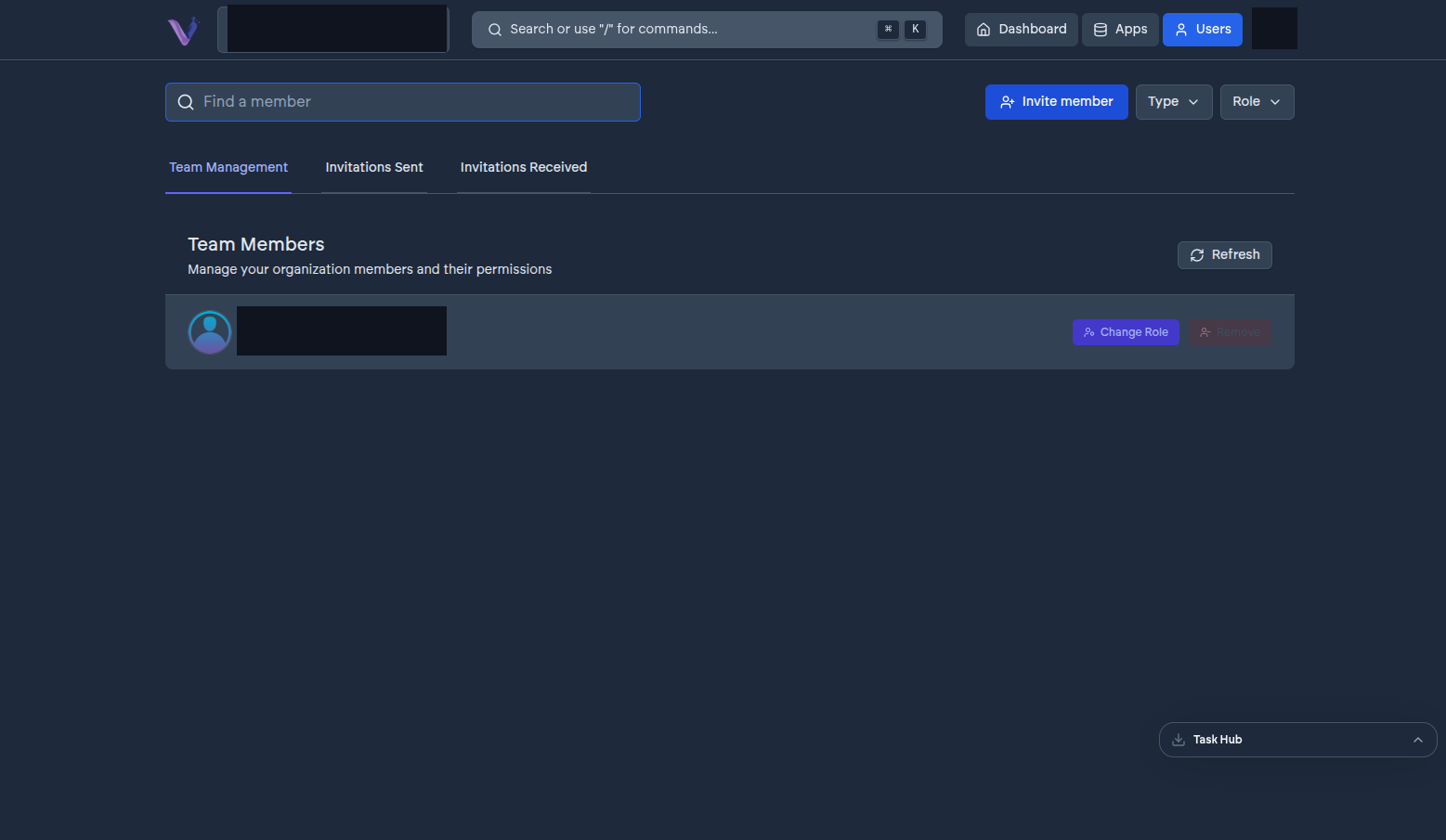
The Users page is where Admins manage who belongs to the organization.
Inviting someone#
Select Invite member, enter their email, and choose a role - Admin or Contributor. They receive an email with the invitation; nothing changes on your side until they accept it. See Invitations for what happens next and how long they have to respond.
Managing pending invitations#
Invitations that haven't been accepted yet are listed alongside active members. From here you can resend one or revoke it before it's accepted.
Changing a role or removing a member#
Select a member to change their role between Admin and Contributor, or to remove them from the organization entirely. Removing someone revokes their access to every app instance immediately; it doesn't delete their VCloud account.