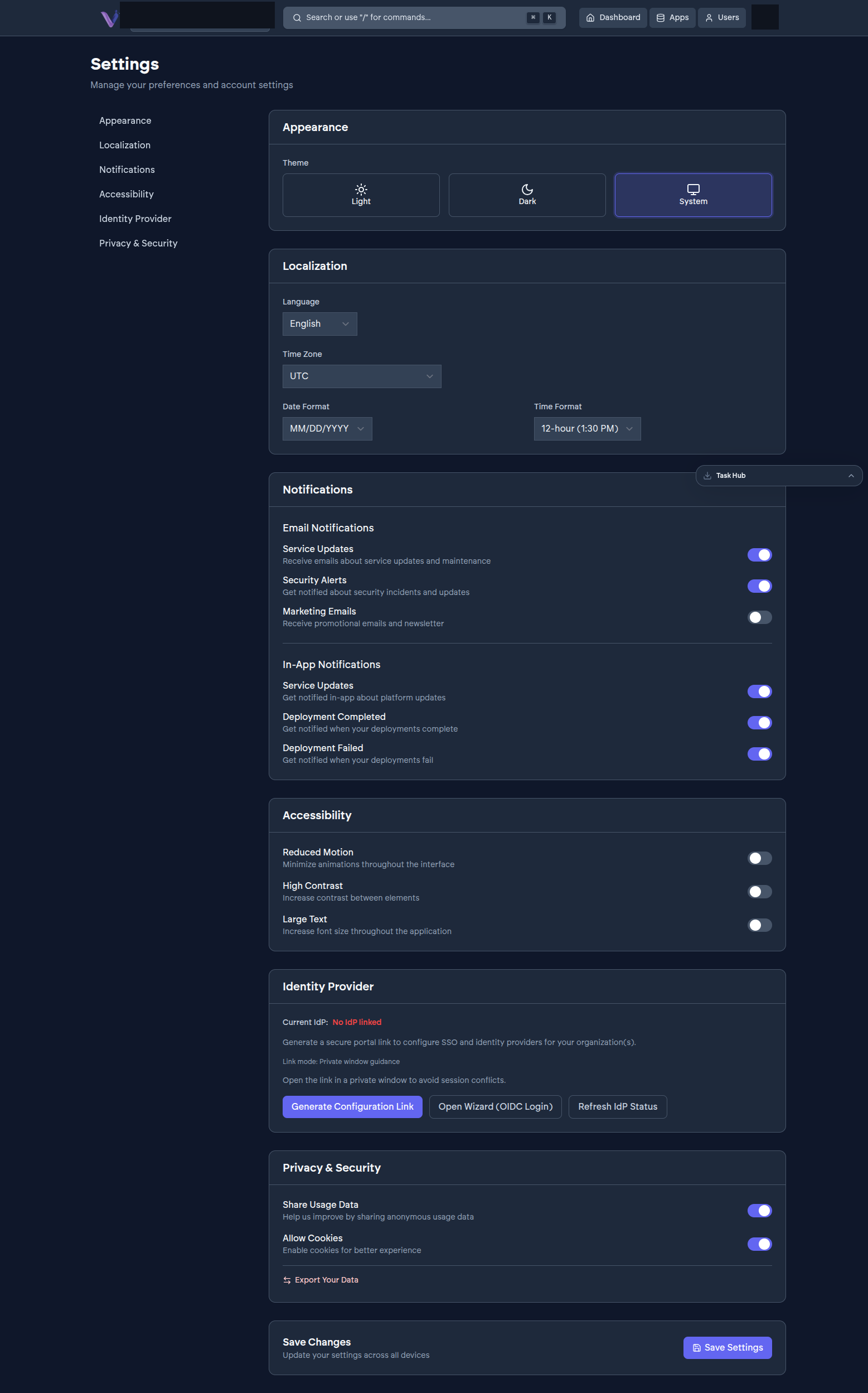
A handful of things are worth doing early, before you and your team are relying on VCloud day to day.
Set your organization's profile and domain#
From Settings, review your organization's name and, if you have one, attach a custom domain for your installed apps to run on. See Configuration › Profile and domain.
Confirm your sign-in provider#
Check which identity provider (Google or GitLab) your organization is set up to use, especially if you expect to invite people who use the other one - see Configuration › Single sign-on.
Invite your team#
Add the people who'll actually be using what you install, with the right role for each - see Inviting your team.
Set up billing#
Every organization starts on an initial plan; add a payment method and confirm your tier before you outgrow it, especially if you're planning to install something with real resource requirements like GitLab. See Setting up billing.
Install what you actually need#
Then get back to the App Store and install for real - see Your first app if you haven't already, or jump to a specific app's guide under Guides › Installing apps.