1. Sign in#
Go to the VCloud dashboard and sign in with Google or GitLab. There's no account creation form to fill out separately - signing in for the first time creates your account.
2. Your organization is ready#
If this is your first time on VCloud, an organization has already been created for you as part of signing in. There's nothing further to set up before you can install something - you land straight in the dashboard with a working organization.
3. Open the App Store#
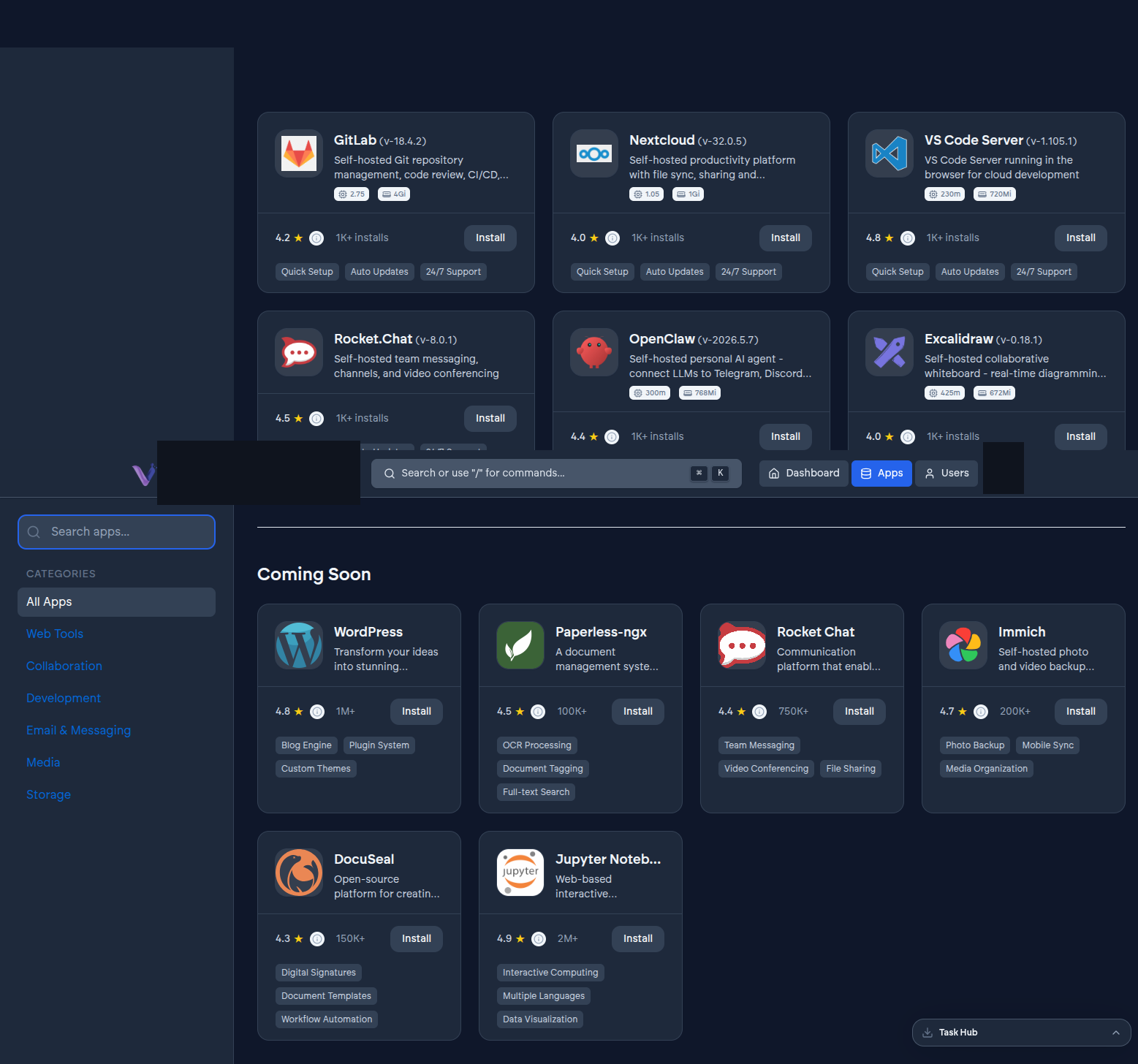
From the dashboard, open the App Store to browse what's available - GitLab, Nextcloud, VS Code Server, Rocket.Chat, OpenClaw, and more. See The App Store.
4. Install an app#
Pick one and choose Install. You'll be asked whether it belongs to your whole organization or just to you (see App instances), and then the install runs in the background - the dashboard shows you progress rather than making you wait on a blank screen. See Deployments.
5. Open it#
Once the instance reaches Running, an Open action appears. Sign-in to the app itself is already wired up to the same account you used for VCloud - there's no separate login to set up.
Next#
- After you sign up - invite your team and set up billing.
- Guides › Installing apps - a walkthrough for each specific app.