Excalidraw on VCloud is a self-hosted collaborative whiteboard: real-time diagramming and sketching with a small team, without a third-party tool holding the boards.
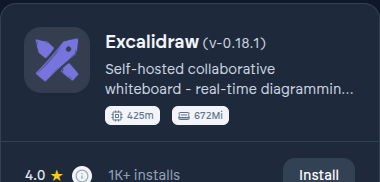
Installing it#
- From the App Store, find Excalidraw and select Install.
- Choose organization scope for a shared team whiteboard, which is the common case.
- Wait for the deployment to finish - see Deployments.
- Select Open once running. You're signed in automatically with your VCloud account.
What VCloud adds on top of upstream Excalidraw#
The same baseline every app in the catalog gets: single sign-on by default, a private access path, and automated backups. See Philosophy.