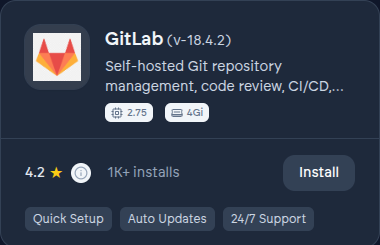
GitLab on VCloud is a complete, self-hosted DevOps platform: Git repository hosting, merge requests and code review, built-in CI/CD pipelines, a container registry, and issue tracking, all in one application. It's the Community Edition build - no per-seat license, and no features held back behind a paid GitLab tier beyond what CE itself includes.
Before you install#
GitLab is genuinely resource-hungry - a small production instance needs meaningfully more compute than a lightweight app like a chat server. Check your organization's plan and quota before installing; the Business tier is the realistic floor for GitLab, matching GitLab's own published recommendation for a small production instance. Installing it on a smaller plan will run, but leaves little headroom once CI runners and the registry are active. See Resource quotas and metrics.
Installing it#
- From the App Store, find GitLab and select Install.
- Choose organization scope - GitLab is almost always a shared, team-wide instance rather than a personal one.
- Wait for the deployment to complete. GitLab's install does more work than a lighter app, so expect it to take longer. See Deployments.
- Once running, select Open. You sign in with the same account you use for VCloud - no separate GitLab credentials to set up.
What VCloud adds on top of upstream GitLab#
- Single sign-on wired up automatically, for every member of your organization.
- A private, secure path to your instance rather than an open port on the internet.
- Upgrades applied for you, sequenced correctly - GitLab does not support skipping major versions, and getting that wrong is one of the most common ways a self-managed instance breaks.
Configuration options#
- Authentication Mode - managed (default), custom (your own OIDC provider), or none (local GitLab accounts only). See Understanding install parameters.
- Admin email, required for both managed and custom modes - whoever signs in with this address gets full GitLab administrator rights on first login.
- Gitaly storage, sized for your repositories, separately from compute.
- Sidekiq CPU and memory - GitLab's background job processor, which handles things like CI pipeline triggers and email delivery; worth increasing if background jobs seem to lag under heavy use.
Migrating in#
GitLab's own export produces a full project archive - repositories, issues, merge requests, and CI configuration - that imports directly into your new instance. If you're coming from GitHub, GitLab's native GitHub importer brings across repositories, issues, and pull requests (GitHub Actions workflows don't convert automatically and need to be rewritten as GitLab CI pipelines).