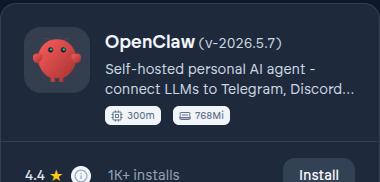
OpenClaw on VCloud is a self-hosted AI agent that connects to messaging platforms - Telegram, Discord, and WhatsApp - so you can interact with it from wherever your team already chats, rather than through a separate web app.
OpenClaw is a newer addition to the App Store, so this guide is lighter than the others while a full walkthrough is written - the install itself works the same way as any other app.
Installing it#
- From the App Store, find OpenClaw and select Install.
- Choose the scope that fits how you'll use it - organization-wide if the whole team will interact with it, personal if it's just for you.
- Wait for the deployment to finish - see Deployments.
- Once running, open it from the dashboard to complete connecting it to your messaging platform of choice - see OpenClaw messaging channels.
What VCloud adds on top of upstream OpenClaw#
A private access path, like every app in the catalog. Unlike most of the catalog, OpenClaw doesn't use vcloud-auth single sign-on - it authenticates instead through a gateway token, generated automatically at install and preserved across upgrades. See Philosophy.
Configuration options#
- Agent name, timezone, and system instructions - the agent's identity and behavior. Instructions accept free-form text up to 64 KB.
- AI model provider(s) - enable Anthropic, Google, or OpenAI (or several at once) and supply each one's API key; the default model is Google Gemini. You can switch models later from inside OpenClaw.
- Messaging channels - Telegram, Discord, and WhatsApp, each toggled on independently. See OpenClaw messaging channels.
- Session timeout - minutes of inactivity before a conversation resets, an hour by default.